Best Midjourney Alternatives 2026: Ideogram, Krea, and Chat Edit

The poster is due tonight. You have a product shot, a promo line that has to print on it, and a client whose catchphrase is “make it more dreamy.” Search is wall-to-wall Midjourney tutorials: Discord, slash commands, subscription tiers, community aesthetics. What you are actually stuck on is not “can I write a prompt.” It is this photo is already shot, and the edit still has to ship.
Most “best AI art” roundups frame the question as “which model is strongest.” In 2026 the more common decision is interaction: write a prompt from scratch, paint on a canvas and watch it update, or tell an existing image “change only this spot.” Tool names will change. These three hand motions will not.
This piece does not rewrite a model bake-off. For how to split models by job, see Best AI image generators in 2026. Here we only compare three product paths: Midjourney’s stylized generation, Ideogram’s in-image text, Krea’s realtime canvas—and when conversational image editing should step in.
Table of Contents
- Why People Still Search for Midjourney Alternatives in 2026
- Where Midjourney Wins, and Where It Stalls
- Ideogram Owns Text, Krea Owns the Canvas
- Conversational Image Editing: The Third Hand Motion
- Pick by Task, Not by Leaderboard
- From Opening a Tool to Shipping a File
- FAQ
Why People Still Search for Midjourney Alternatives in 2026
The conclusion first: people searching “Midjourney alternative” are usually not complaining it cannot paint. They are complaining it is not the default door for this job.
Midjourney is still the reference point for stylized illustration and cinematic light. Official docs split one subscription into two surfaces: the website leans editor, personal profiles, and moodboards; Discord leans community and slash commands (Web vs Discord). A June 2026 third-party check also writes: new users should start on the web; the editor already carries Remix, Vary Region, and Pan—moves that take extra steps in Discord (Aipedia 2026-06-26 check).
So “alternative” is not knocking it down. It is admitting three jobs it does not default to carrying for you:
- You already have a photo. You need a background swap, a wardrobe change, a hand fix—not a blank-prompt reroll that “kind of looks like” the original.
- The image has type that must read correctly—the line on packaging, a poster, a book jacket cannot merely “look like letters.”
- You do not want to buy a subscription and then learn a community grammar. You want to make one image first, then decide whether to upgrade.
Figure: generation and edit jobs on the same table. Source: existing ChatIMG comparison graphic.
The landing page Midjourney alternative writes this as an honest trade: Midjourney wins on stylized art and community; the other path starts in a normal chat box, edits from your own photo, and does not require Discord first.
Practical rule: Write the task verb first (swap the background / print a line of type / generate a concept from scratch), then open a tool. If the verb does not match, no sample gallery will save the deadline.
Where Midjourney Wins, and Where It Stalls
Use Midjourney when “a sentence grows into a styled image.” Do not use it when “this product is already shot, change one thing.”
It is strong at composition, light, texture, and a stable aesthetic. The official getting-started path is: go to the Create page, describe the scene in the Imagine bar, get four images at once (Getting Started). The web editor puts crop, pan, aspect ratio, and Vary Region inpainting on one surface—a single operation Discord cannot match.
The official six-and-a-half-minute tutorial below walks “make your first image on the website” end to end—use it to set expectations, not as a photo-retouching manual.
Demo: Midjourney official “make your first image.” Source: YouTube · Midjourney.
Where it stalls is just as consistent:
| What you need | What Midjourney gives by default |
|---|---|
| Highly stylized concept art | Strong—this is why it is treated as the reference |
| Change one thing on an existing product shot, freeze the rest | Weaker than “use the image as a reference and regenerate”; identity drifts |
| An in-image promo line that must read correctly in Chinese | Not its home turf |
| Open and try without subscribing first | Docs write a subscription as a prerequisite to start creating |
I would put it in the “art direction / concept mood” cell. To ship a product image that can go on a listing, I ask first: is the subject already photographed. If it is, do not use “imagine it again” as retouching.
Practical rule: Midjourney ships style, not a file of record. Delivery cares whether this product is still in the frame, not whether the mood matches a concept board.
Ideogram Owns Text, Krea Owns the Canvas
Need the type on the image to be readable? Default to Ideogram. Need a stroke of the hand and the picture to follow? Default to Krea. Neither is a smaller Midjourney.
Ideogram’s text-rendering page writes the pitch as “text that comes out readable every time,” and self-reports 95% text accuracy against “30–50% for most image generators.” That is the vendor’s own test framing, not a third-party blind study—cite it with that caveat. Docs also tell you: put the line you want printed in quotes, and write prompts as complete sentences (Text and Typography). Canvas also has a dedicated text tool for the line a prompt cannot nail (Text Tool).
So for posters, packaging, book jackets, and logo sketches, Ideogram is a reasonable first pick. It is weak at “take a portrait already shot, change the clothes, keep the face”—that is an image-to-image / conversational-edit job. Comparison page: Ideogram alternative.
Krea’s default motion is entirely different. Krea’s product guide writes Realtime as: the picture updates instantly as you type a prompt, drag a slider, or move shapes on the canvas. A January 2026 product log describes Realtime Edit as “every stroke is already filling the picture before you lift the pen” (Realtime Edit). It also puts image, video, and multiple models in one studio.
Krea wins on exploration speed: the composition is not clear yet, and you need to find the shape by hand. It loses on “I just want to type one sentence and leave”—the canvas is a studio, not a chat box. Comparison page: Krea alternative.
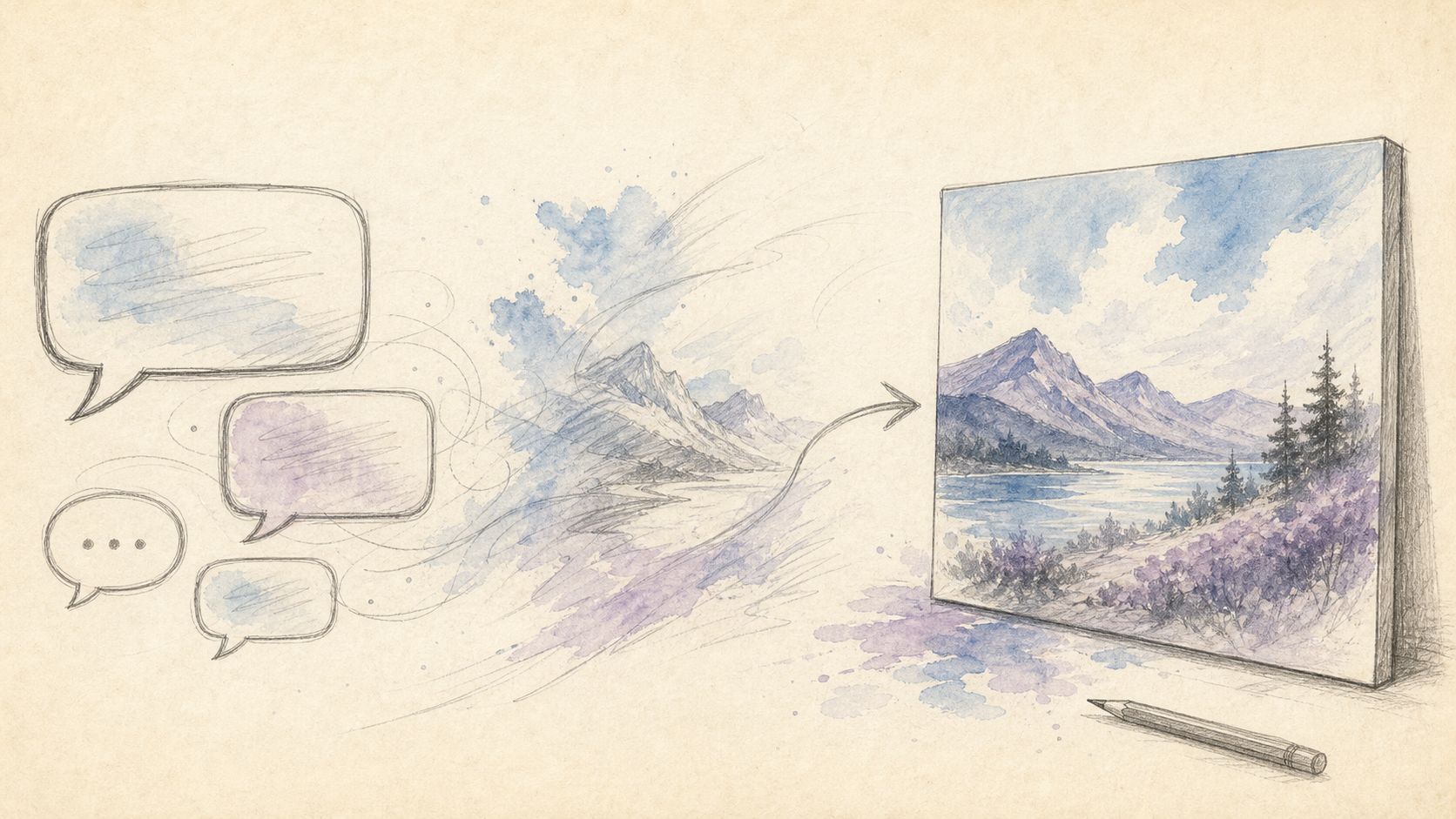
Figure: tools laid out by interaction. Source: existing ChatIMG workflow cover.
Practical rule: For a poster, ask first whether the type can print. For a concept, ask first whether the hand can find the shape. The two answers are rarely the same app.
Conversational Image Editing: The Third Hand Motion
Conversational image editing does not buy a new style. It buys “change the spot you name, leave the rest alone as much as possible.” That is a different acceptance test from a prompt from scratch, and from realtime canvas generation.
InstructPix2Pix (Brooks / Holynski / Efros, November 2022, CVPR 2023) defined instruction-based image editing as: an existing image + a sentence in plain language, and the model performs the edit—no mask first, no per-image fine-tune. Today’s conversational image editing is that definition in a product shell: upload a photo, say “swap the shelf for a light-gray studio, change the promo to Member Day,” and watch whether unnamed areas drift.
The people it fits are specific: they will not (and do not want to) learn selections; they already have a usable image; they change one variable at a time. Local edit and conversational image editing differ in interaction, not in model name—that split is unpacked in local edit vs conversational image editing: the former stresses freezing the scene; the latter stresses iterating in a few sentences.
ChatIMG turns this into a chat box you can try on open: start free, edit from your own photo, 15 languages. It does not replace Midjourney’s style ceiling, Ideogram’s type-specialist tools, or Krea’s realtime canvas. It replaces “reroll the whole poster three times to fix one hand.”
For how to split the three image-to-image jobs, the pillar is how to pick an image-to-image tool: style transfer, inpainting, and background replacement are not one button.
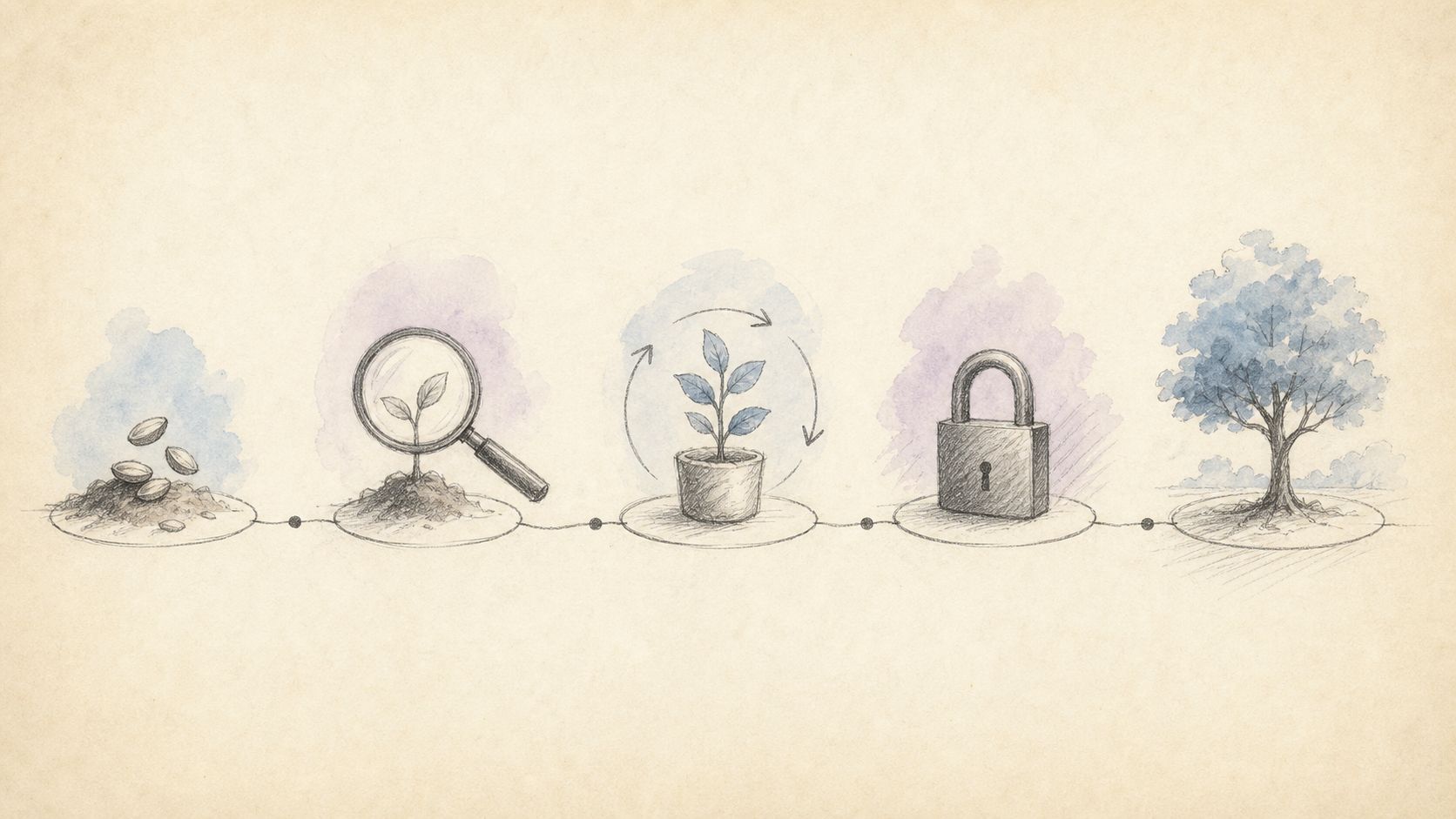
Figure: edit item by item, freeze the rest. Source: existing ChatIMG workflow diagram.
Decision filter: Subject already shot, and you can say what to change → conversational image editing. Subject does not exist yet, and you want style and composition → Midjourney or Krea. The value of the image is that one line of type → Ideogram.
Pick by Task, Not by Leaderboard
Lay the four paths on one table. Filter by the task column. Do not let an “image quality” column pick the winner.
| Task | Better path | One-line acceptance |
|---|---|---|
| Highly stylized concept from scratch | Midjourney | Light and composition look like art direction; the product does not have to still be there |
| Type on a poster / package must be readable | Ideogram | Zoom the file to print size; letters are still letters |
| Draw a shape by hand, see the picture immediately | Krea Realtime | Change one stroke, the right side updates now, no queue |
| Existing photo, change only background / clothes / one line of type | Conversational image editing | Unnamed faces, logos, and shadows stay in place |
| Try one image before deciding to pay | Conversational image editing or Ideogram’s free tier | Open a browser and get the first image |
This table deliberately writes no price numbers. Midjourney writes a subscription as a prerequisite to start creating; Ideogram and Krea both have free tiers, but quotas, private generation, and export formats follow the plan. Use each product’s pricing page. Do not invent numbers here.
The same cluster already has a model bake-off and a local-edit comparison. This piece only adds the “product shape” layer: Discord community generator, text-first generator, realtime studio, conversational retouch. The four can coexist, and the weekly publishing cap does not allow another “yet another vs. model name.”
To land on competitor keywords directly, three feature pages are already up: Midjourney alternative, Ideogram alternative, Krea alternative. The article judges. The feature pages get you started.
From Opening a Tool to Shipping a File
People who ship on a deadline are not the people who switch to a new “strongest model” every week. They are the people who make every edit attributable. Five steps are enough:
- Write the task verb (swap background / print type / generate a concept). Do not write a tool name.
- Pick a path from the table above. If you picked wrong, switch immediately. Do not add prompts inside the wrong interaction.
- Change one variable at a time. If it drifts, you know which sentence did it.
- Print-file acceptance looks at three things: are the unedited areas still there, can the type be read, do the shadows look like they were always in the scene.
- Save upgrades, export, and archiving for the final. A subscription at the draft stage is paying for a picture that does not exist yet.
Open chatimg.ai, upload a photo already shot, and say in one sentence what to change. Midjourney can still be your concept board. For the file you deliver, use the path that can actually edit it.
FAQ
Does Midjourney still require Discord?
Not necessarily. Officially the same subscription connects to the website and Discord. The website has the editor, personal profiles, and moodboards; Discord has community and commands. New users save time starting on the web. See Web vs Discord.
Can you take Ideogram’s 95% text accuracy at face value?
You can take it as “they measured it this way and wrote it this way.” You cannot take it as an independent-lab number. When you cite it, name the source as Ideogram’s text-rendering page, and run your own print-size check with a line of Chinese promo copy.
Is Krea “a faster Midjourney”?
No. Krea’s difference is a realtime canvas and a multi-model studio, not a sped-up version of the same aesthetic. Use it to find shape by hand. For community style and cinematic light, still look at Midjourney.
Can conversational image editing replace professional inpainting?
No, and it should not. When you need pixel-level selection, use a region tool. When you need to change something in one sentence and cannot draw a mask, use chat. The difference is in local edit vs conversational image editing.
Do you need to subscribe to all four paths?
No. Pick one path from the task table, make the first image, then decide whether to upgrade. ChatIMG’s conversational entry is free to try: chatimg.ai.
ChatIMG.ai Team
More in this series
- MAI-Image-2.5 Local Edit vs Chat: How to Pick in 2026
- Grok Imagine Image 2.0 vs GPT Image 2: Region Edits and Layout Text in 2026
- Adobe Firefly Precision Flow vs. AI Markup: Two New Paradigms for Precise AI Image Editing in 2026
- Chat to edit a photo — pick GPT Image 2, Nano Banana, or Seedream by task | ChatImg
- MAI-Image-2.6-Flash vs GPT Image 2: Same-Prompt Bakeoff
View all 6 articles in Tool Comparisons →