
Circle Crop an Image
Turn any photo into a round avatar: zoom, slide your face into the circle, and save a PNG with transparent corners. Ready for Discord, Slack, a resume or a sticker.
Getting the upload area ready…
This only takes a moment

- What it does
- Round crop, clear corners
- Output
- PNG or WebP with transparency
- Where it runs
- 100% in your browser
- Price
- Free · no sign-up
Crop it round yourself, so the site doesn't cut off your ear
Sites that show round avatars crop a square into a circle and often clip the top of the head. Framing it in a circle here first means you see exactly what everyone else will.
How to crop an image into a circle
Zoom, center, save.
- 1
Add the photo
Drop it, choose it, or paste with Ctrl/⌘ V.
- 2
Frame it
Zoom in, then slide left↔right and top↕bottom until the face sits in the circle.
- 3
Download PNG
The corners are transparent, so it sits on any background.
What a circle crop gives you
A square PNG whose corners are fully transparent, with your photo filling the circle inside. On a website or in a design tool, only the round part shows. JPG has no transparency, so this tool saves PNG or WebP.
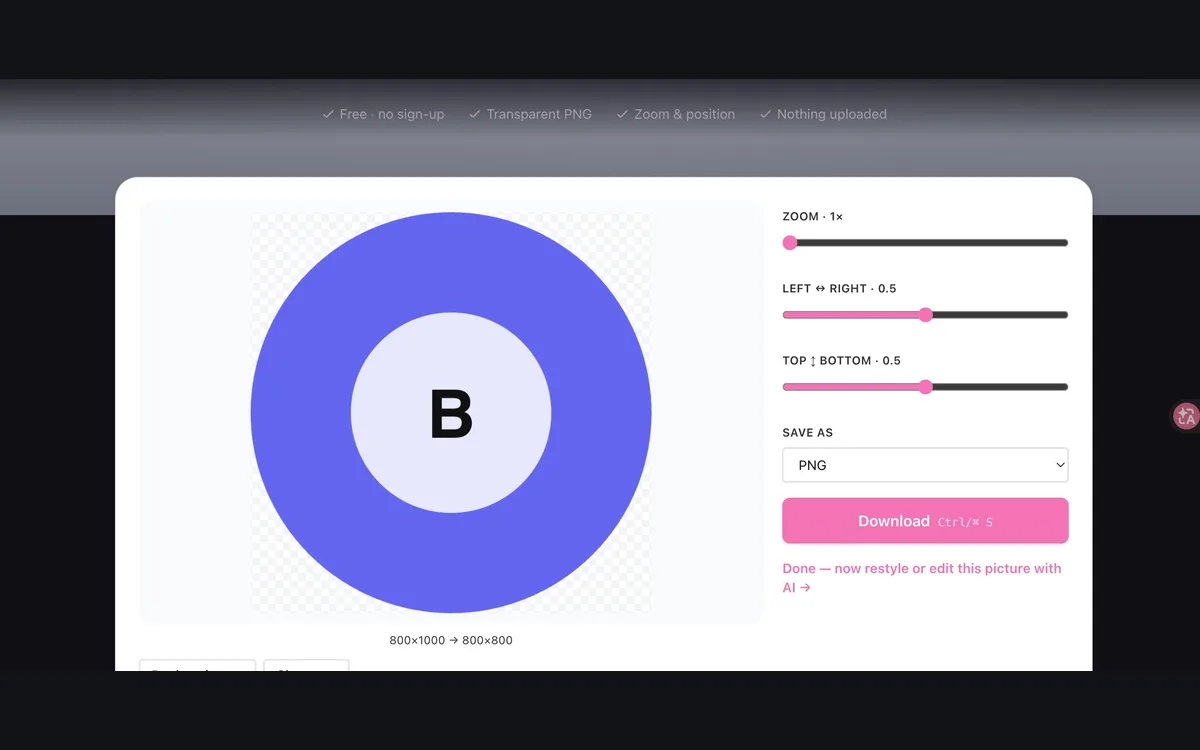
- Transparent corners — No white square behind the circle.
- Zoom and position — Put the face exactly in the middle.
- Full resolution — As sharp as the original photo.
Getting a good round avatar
Leave a little space above the head and let the shoulders touch the bottom edge. Zoom until the face takes up about half of the circle's height. Most sites show avatars small, so a plain background reads better than a busy one — remove it first if needed.
- Headroom — A little gap above the hair.
- Face size — About half the circle's height.
- Clean background — Use Remove Background first if it is busy.
Keyboard shortcuts
Every ChatImg image tool takes the same keys, so the second tool you use is already familiar. Shortcuts work anywhere on the page except while you type in a text box.
- Ctrl / ⌘ + V — Paste an image straight from the clipboard — a screenshot, a copied photo, a file from Finder or Explorer.
- O — Open the file picker.
- Ctrl / ⌘ + S — Download the result (a ZIP when there are several files).
- Delete — Clear the tool and start over.
Nothing is uploaded
The picture is decoded and redrawn by your browser's canvas on your own device. There is no server step, so there is no upload wait, no file-size limit to pay around, no watermark and no account. Close the tab and no copy exists anywhere else.
- Private — IDs, contracts, family photos — fine to use here, because they never leave the device.
- Free, no limits — No daily cap, no size cap, no sign-up wall.
- Works offline — Once the page has loaded, the tool keeps working without a connection.
Where round images go
Common uses.
Profile pictures
Discord, Slack, Teams, Google, LinkedIn.
Resumes and team pages
Uniform round headshots for a whole team.
Stickers and logos
Round badges for chats and slides.
More free image tools
All of them run in your browser — free, no sign-up, nothing uploaded.
FAQ'S
Frequently Asked Questions
Ask us anything!
Need more than an edit? Ask the AI.
These tools move pixels. ChatImg's AI changes what is in the picture: swap a background, restyle a photo, restore an old print or generate a new image from a sentence. Free to start.