Grok Imagine Image 2.0 vs GPT Image 2: Region Edits and Layout Text in 2026

You already have a usable product shot. What needs fixing is only the clutter in the top-left corner, the tiny type on the poster, and the edges that got cut when you crop to 9:16. If you tell the model to “regenerate the whole image,” the person drifts, the layout reshuffles, and the lighting you finally lined up is gone. On August 7, 2026, xAI shipped Imagine Image 2.0 as Grok Imagine’s Quality Mode. The public pitch is three things: tighter instruction following, layout planned the way a designer would, and editing treated as a first-class capability.
The same day, its own Arena snapshot had it at world #2 for both text-to-image and image edit; #1 on both boards was GPT Image 2 (product page: ChatGPT Images 2.0, shipped April 21). Second place is not a failure—it moves the fight from “who can paint a poster from scratch” to “who can edit the one you already have.”
This piece skips model genealogy. It answers three questions only: what Image 2.0 actually shipped; where region editing and layout text each win; and how to choose across three task types—posters, one-spot edits, and conversational image editing.
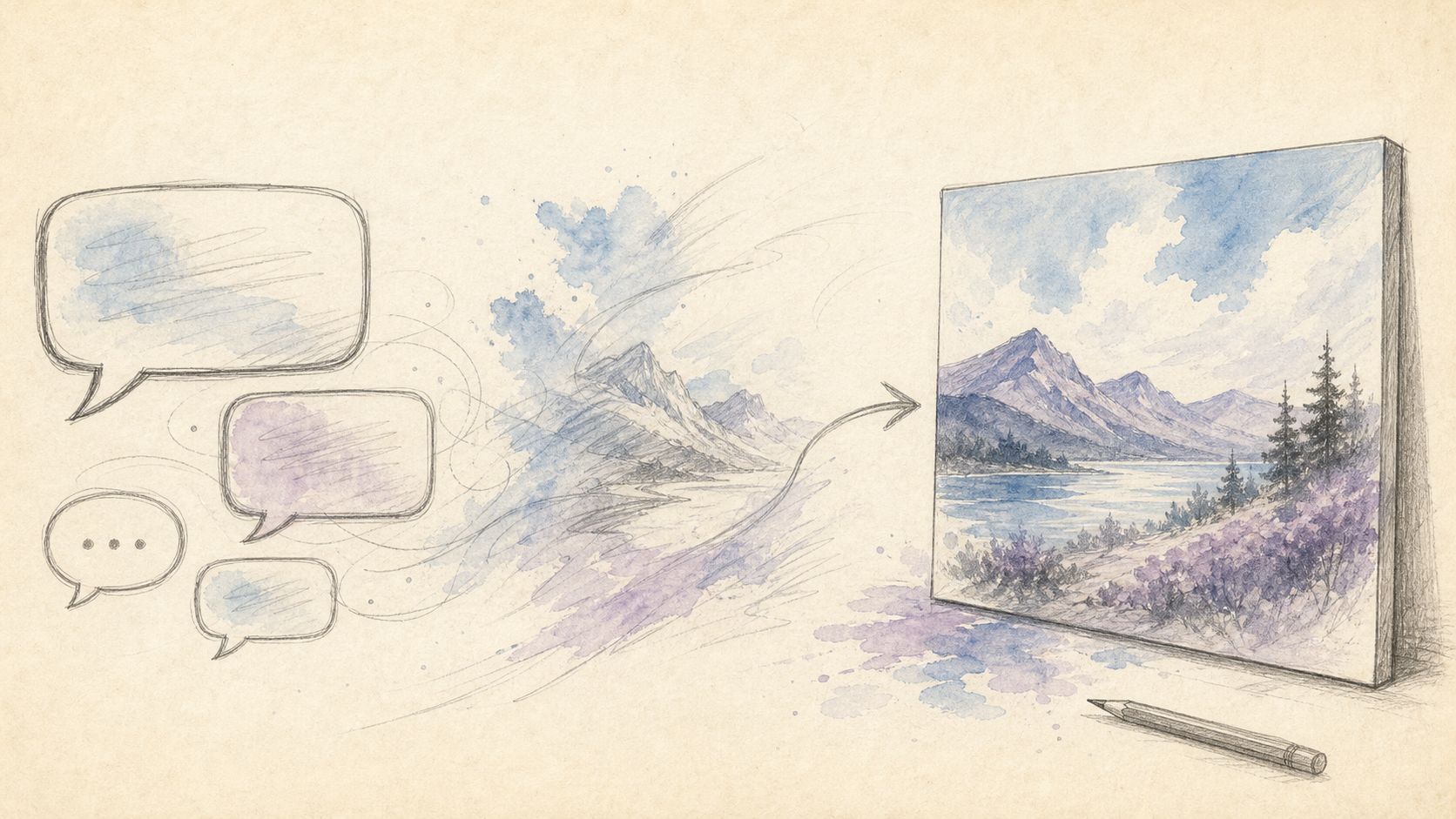
Cover uses an existing model-comparison graphic so Image 2.0 can sit on the same table. Source: ChatIMG.
Practical rule: Write the task verb first (change one spot / set small type / switch aspect ratio), then look at the model name. Rankings first, use case second almost always picks wrong.
Table of Contents
- What Image 2.0 Actually Shipped on August 7
- Region Editing: Magic Wand, Segmentation, Cutouts, Five References
- Layout-Grade Text: What to Compare Against GPT Image 2
- What Arena #2 Actually Means
- Pick by Task: Posters, One Spot, Conversational Edits
- Falsifiable Predictions
- FAQ
What Image 2.0 Actually Shipped on August 7
The official post is dated August 7, 2026. The entry points are Quality Mode on grok.com/imagine and the Grok iOS / Android apps. The API model name is grok-imagine-image-2.0; docs live under xAI image generation.
xAI’s own goal is one sentence: images that fit real workflows. Unpacked, that is three claims—follow instructions down to the detail, plan fonts and layout as a design problem, and keep what you stuffed in across regenerations and edits. It also shipped a batch of templates: product recolor, e-commerce shots, avatars, icons, sprites, background remove-and-replace. Templates are not a new model; they pre-wire common tasks into workflows.
Set against April’s GPT Image 2: that side stresses “think before you generate,” 2K, and multilingual text; this side stresses that editing tools are the product itself, not a side button on text-to-image. Both lines are legitimate—they serve different verbs.
Demo: region editing and aspect-ratio fill-out. Source: public YouTube demo; cross-check the xAI announcement.
Practical rule: When you read a new-model post, count the “editing-class” bullets first. If that count is ≥ the text-to-image selling points, a head-to-head review is worth writing—not another launch-day digest.
Region Editing: Magic Wand, Segmentation, Cutouts, Five References
InstructPix2Pix defined instruction-based image editing as: change an existing image with one line of plain language, without drawing a mask first. Image 2.0 turns that into visible tools instead of relying on the model alone to “guess what you meant to touch.”
The official four-piece kit:
| Tool | Official framing | What you actually buy |
|---|---|---|
| Magic wand | Change the spot you point at; leave the rest | One fewer full-image re-roll |
| Segmentation | Precise selection | Cleaner edges, less color bleed |
| Background removal | Transparent subject export | Drop straight onto another layout |
| Multi-ref | Up to 5 reference images per call | One fewer manual composite layer |
Smart Resize covers 9 aspect ratios: 1:2, 9:16, 2:3, 3:4, 1:1, 4:3, 3:2, 16:9, 2:1. The pitch is “pick a ratio and the model completes the frame,” not a dumb crop. For anyone flipping between vertical feeds and horizontal posters, that beats another 200 Arena points.
Five references are not a Seedream-style ceiling race for “feed 10 images for character consistency.” They solve compositing: product, scene, type, and person do not need to be layered outside first. The task verb is “compose these images into one,” not “ship a multi-episode set of the same character.”
Viewpoint card [vp-chatimg-0001] applies here: do not write Image 2.0 as “yet another stronger generator.” Search demand is background swap, clutter removal, local recolor. Tool names have to line up with task verbs.
Practical rule: Accept a region edit on one test only—did anything you did not click drift? If it drifted, no Arena score clears the bar.
Layout-Grade Text: What to Compare Against GPT Image 2
xAI writes it thick: dense, multi-block frames should “hold,” and small type should stay sharp. That is aimed at GPT Image 2’s most-cited strength—complex posters, UI screenshots, non-Latin scripts.
GPT Image 2’s public anchors are still the April 21 ChatGPT Images 2.0 post: text rendering, multilingual, fine-grained instruction. In our 2026 AI image generator comparison we marked it “posters and small type first.” Image 2.0’s official post does not publish a reproducible text-rendering bench score, so this article does not invent “whose Chinese is more accurate.” What we can say: both treat layout as a first-class capability; as of August 7, Arena text-to-image #1 is still GPT Image 2.
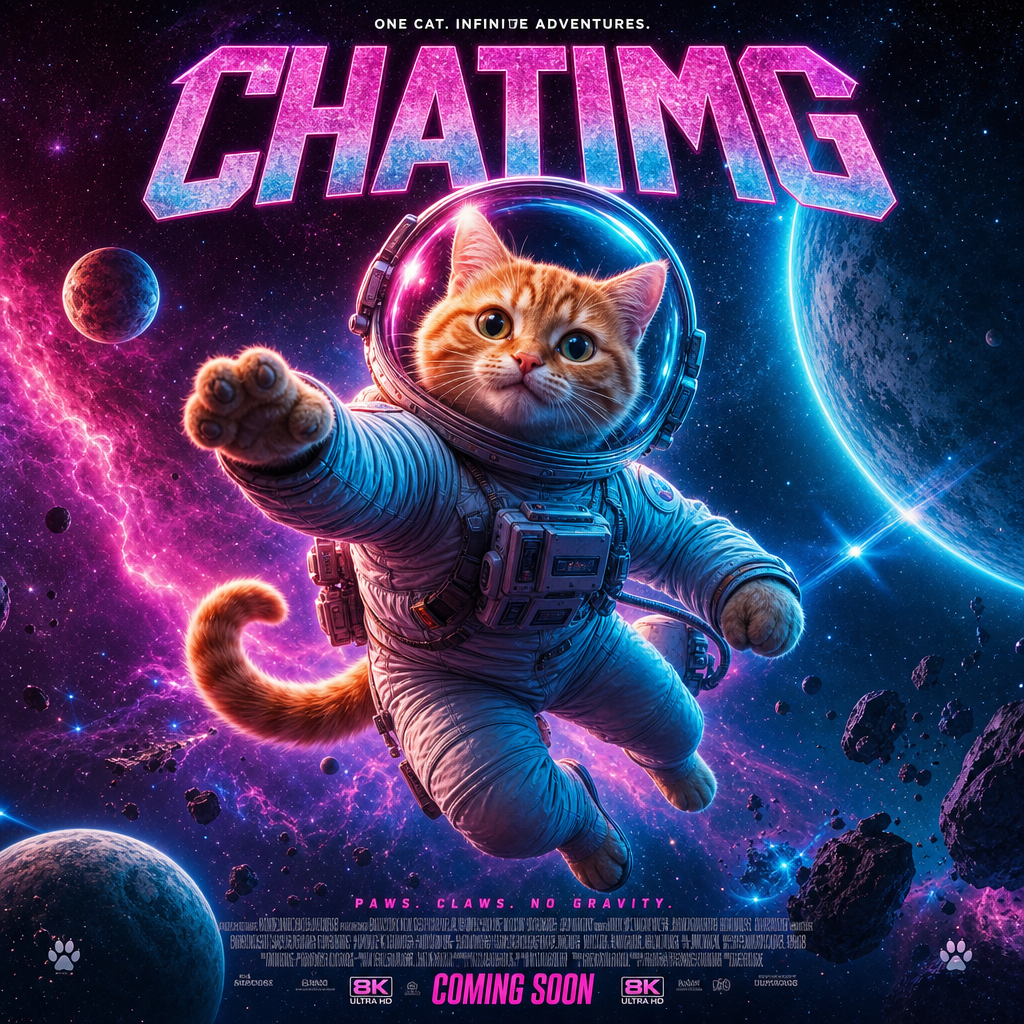 Figure: a text-dense poster scene. Source: existing ChatIMG comparison art.
If your task is “cram a title, subtitle, and tiny disclaimer into one image,” GPT Image 2 is still the default first candidate. If your task is “the poster already exists—change one block of type without reshuffling the whole layout,” Image 2.0’s region tools match. Those two needs often share the keyword “AI poster”; they are not the same job.
To stabilize GPT Image 2 prompts, start with GPT Image 2 prompt best practices. Prompts rescue from-scratch generation; region tools rescue the frame you already have.
Practical rule: When in-image text is more than two lines, draft first with GPT Image 2. After the draft works, hand local type changes to an editor with selections—do not let text-to-image re-roll the whole layout again.
What Arena #2 Actually Means
xAI’s announcement says Image 2.0 ranks world #2 on both text-to-image and image edit. Snapshot date 2026-08-07, from Arena’s Image Edit and Text-to-Image boards; xAI models appear on Arena as SpaceXAI. On the same chart, GPT Image 2 sits ahead on both. grok-imagine-image-2 (low) also shows near the top of the edit board—that is a variant, not another product.
Those numbers are usable in only two ways:
- Time anchor: on August 7, editing already sat in the first tier—not an “also edits images” side feature.
- Contrast, not a crown: #2 means GPT Image 2 remains the default text-to-image foil; it also means Image 2.0’s launch narrative deliberately stands on the edit board.
Unusable readings: translating “#2” into “wins everywhere” or “loses everywhere.” Arena is preference voting, not print acceptance. Print acceptance asks: did the marked region drift, can the small type print, does the alpha channel open in design software.
For a longer pick-by-scenario context, see 2026 AI image generator comparison. That piece covers free / closed / speed; it does not cover this round’s region tools.
Pick by Task: Posters, One Spot, Conversational Edits
The skeleton is X vs Y vs Z. The third pole is not another closed flagship—it is conversational image editing: iterate in a few plain-language turns instead of re-describing the whole image from scratch every time. Adobe takes the precise-control path (Precision Flow / Markup); the conversational path is lighter. Breakdown: Firefly Precision Flow vs conversational image editing.
| Task | Try first | Why | Don’t |
|---|---|---|---|
| Build a text-dense poster from scratch | GPT Image 2 | Still the text-rendering foil since April; Arena text-to-image #1 | Force region tools to invent a draft that does not exist |
| Existing image; change one spot, freeze the rest | Grok Imagine Image 2.0 | Magic wand / segmentation / background removal are the product | Re-run text-to-image and gamble the composition survives |
| Product shot needs both 1:1 and 9:16 | Image 2.0 Smart Resize | Official 9 ratios; fills edges instead of hard-cropping | Crop first, then upscale—edge information is already gone |
| Compose 3–5 assets into one frame | Image 2.0 multi-ref (cap 5) | One fewer external composite layer | Confuse it with “10 refs for character serials” |
| Won’t click selections; will only talk | Conversational image editing | Original sense of instruction edits: change one spot, leave the rest | Treat the model name as the feature itself |
ChatIMG sits in that third column: say “swap background / remove watermark / change a local patch” in conversation instead of learning a selection toolkit first. Try ChatIMG free is for checking whether that sentence changes only what should change. It is not a stand-in for Grok Imagine, and not a shell around GPT Image 2—the task verbs differ.
Viewpoint card [vp-shared-0003]: in 2026’s model-launch wave, single-model deep dives get crushed by official blogs; what sticks is “how to pick by task.” This article deliberately skips a “full Image 2.0 review” and only splits region editing from layout text.
Practical rule: Leave the decision tree with one exit. Once you pick a tool, try it on one of your own images—do not open another “you could also look at X” tab.
Falsifiable Predictions
- If Arena’s edit board knocks Image 2.0 out of the top three within two weeks: this article’s “editing is first-class” call must be downgraded. Region tools may still be useful, but “first tier” is void.
- If xAI publishes a reproducible multilingual text test that clearly beats GPT Image 2: the poster default candidate has to change; we can no longer write “small type → GPT Image 2 first.”
- If Quality Mode’s capability set forks between consumer UI and API: trust the tools you can actually click, not the press-release checklist.
- Five references are not a character-consistency plan. Comparing them to Seedream-style multi-ref serials yields the wrong conclusion.
These predictions sit in the body so a 14-day revisit has something to falsify—not so we have an escape hatch.
FAQ
What is Grok Imagine Image 2.0?
xAI’s image generation and editing model shipped August 7, 2026, as Grok Imagine’s Quality Mode. Web entry: grok.com/imagine. API id: grok-imagine-image-2.0.
Which is stronger, it or GPT Image 2?
There is no single “stronger.” As of 2026-08-07, Arena #1 for both text-to-image and image edit is GPT Image 2; Image 2.0 is #2 on both. Poster small type defaults to GPT Image 2; local edits on an existing image default to Image 2.0’s region tools.
Is there a public API?
Yes. The official announcement states the API is available; model id grok-imagine-image-2.0; docs on the xAI image generation page.
Which ratios does Smart Resize support?
Official list of 9: 1:2, 9:16, 2:3, 3:4, 1:1, 4:3, 3:2, 16:9, 2:1.
How does conversational image editing differ from the magic wand?
The magic wand needs you to point at a region; conversational editing describes “what to change” in one sentence and lets the model infer where. The latter is closer to InstructPix2Pix’s original definition—better when you do not want to learn selections.
ChatIMG.ai Team
More in this series
- Adobe Firefly Precision Flow vs. AI Markup: Two New Paradigms for Precise AI Image Editing in 2026
- Chat to edit a photo — pick GPT Image 2, Nano Banana, or Seedream by task | ChatImg
- MAI-Image-2.6-Flash vs GPT Image 2: Same-Prompt Bakeoff
- Best Midjourney Alternatives 2026: Ideogram, Krea, and Chat Edit
- MAI-Image-2.5 Local Edit vs Chat: How to Pick in 2026
View all 6 articles in Tool Comparisons →