MAI-Image-2.5 Local Edit vs Chat: How to Pick in 2026

You already have a usable product shot. The client only wants the shelf swapped for a light-gray studio, the poster line “Summer Sale” changed to “Member Day,” and a small icon added in the bottom-right that does not cover the face. If you tell the model to “regenerate the whole image,” the person drifts, the layout reshuffles, and the lighting you finally lined up is gone. What you are really buying is not “stronger generation”—it is change the spot you name, freeze the rest.
On June 2, 2026, Microsoft wrote that into the public pitch for MAI-Image-2.5: scene-aware local edit. The same day, its own Arena snapshot had it image-edit #2 and text-to-image #3. Second place is not a failure—it moves the fight from “who can paint a poster from scratch” to “who can edit the one you already have.”
This piece does not rewrite yesterday’s product sheet. The sheet answers “what the model shipped”; here we answer only three questions: which three tasks local edit must pass; how conversational editing and selection tools differ in interaction, not in model name; and how to pick across posters, one-spot edits, and multi-turn iterations.
Table of Contents
- What June 2 Shipped: Scene Awareness, Not a New Style
- How to Verify Three Tasks: Swap Background, Swap Text, Add Object
- Conversational Image Editing: The Path That Skips Selections
- Pick by Task: Local Edit, Region Tools, Conversational Iteration
- How to Use and Misuse an Arena Snapshot
- Falsifiable Predictions
- FAQ
What June 2 Shipped: Scene Awareness, Not a New Style
The official post is dated June 2, 2026. Entry points are MAI Playground, Microsoft Foundry, plus image generation in PowerPoint and editing rolling out in OneDrive. The same family also has a faster, cheaper Flash variant. API docs describe the capability as: text-to-image plus controllable edits on an existing image.
None of the three things Microsoft names is “a new style”:
| Official framing | What you actually buy |
|---|---|
| Complex visual reasoning | When you add an object, perspective, scale, and shadow follow the scene—not a sticker paste |
| Fine-grained edit control | Swap objects, change type, remove motion blur; leave the rest of the frame alone |
| Face and identity consistency | When pose, expression, or camera angle changes, it is still the same person |
The Microsoft post writes the task verbs straight: replace objects, update text, remove motion blur, while “the rest of the image stays put”; when adding objects, bring correct perspective and shadow. That is the antonym of “re-roll a prettier image.”
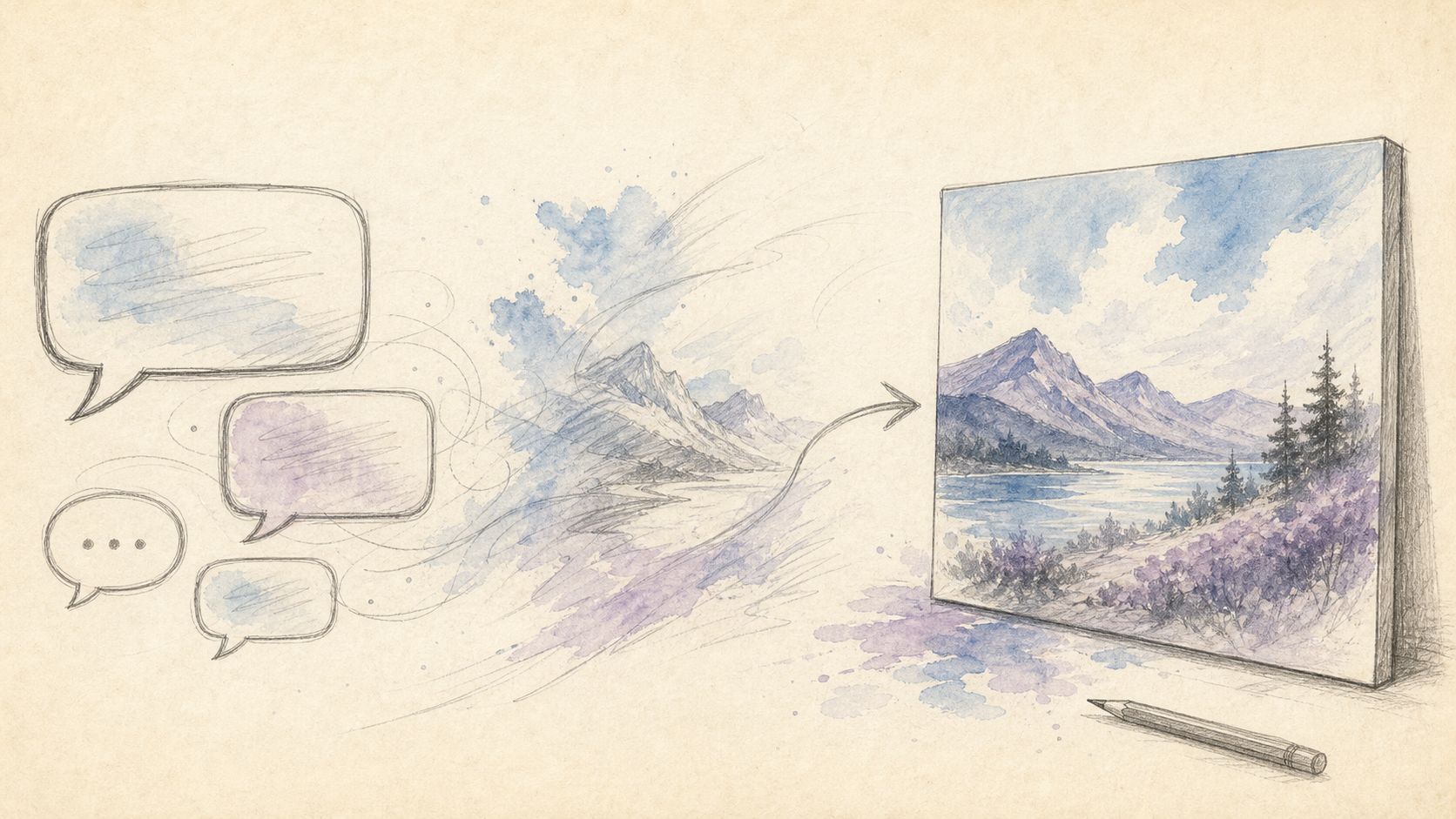
The comparison graphic below puts MAI-Image-2.5 on the same table—it is not another text-to-image name; it is an edit verb.
Cover uses an existing model-comparison graphic so local edit can sit on the same table. Source: ChatIMG.
For the launch landing page, see What is MAI-Image-2.5. That page covers ship facts and “how the same job runs in a chat box”; this article only splits local edit off from text-to-image, region magic wands, and conversational iteration. For Microsoft’s own 21-second capability clip, the official intro is below.
Demo: Microsoft’s official 21-second intro. Source: YouTube · Microsoft; cross-check the June 2 announcement.
Practical rule: When you read a new-model post, count the “editing-class” bullets first. If that count is ≥ the text-to-image selling points, a head-to-head review is worth writing—not another launch-day digest.
How to Verify Three Tasks: Swap Background, Swap Text, Add Object
InstructPix2Pix defined instruction-based image editing as: change an existing image with one line of plain language, without drawing a mask first. MAI-Image-2.5 turns that into “scene awareness”—the model has to understand structure, light, scale, and spatial relations, not just cut out a patch.
Do not accept on Arena score. Accept only on these three of your own images:
- Swap background: shelf becomes a light-gray studio. Do subject edges fray, does the floor shadow follow, does facial highlight drift.
- Swap text: one promo line on a poster becomes another, size and tracking as close to the original as possible. Do neighboring icons, barcodes, and disclaimer micro-type get reshuffled.
- Add object: add a small icon in the bottom-right that does not cover the face. Do perspective and shadow look like they were always there, or like a PNG pasted on.
Foundry docs describe the same edit class as: object replacement, layout tweaks, text updates, removing motion-blur artifacts—while keeping composition. They do not give you a reproducible “Chinese micro-type accuracy” number. So this article does not invent “whose Chinese is more accurate.” What we can say: if the task verbs line up, it clears the bar.
To see how “change one spot, freeze the rest” becomes visible buttons on region tools, compare Grok Imagine Image 2.0 vs GPT Image 2—that side sells magic wand, segmentation, and cutouts, not scene reasoning. Both lines are legitimate; they serve different finger motions.
The workflow sketch below draws “change one variable at a time”: freeze the rest first, then touch only the named patch.
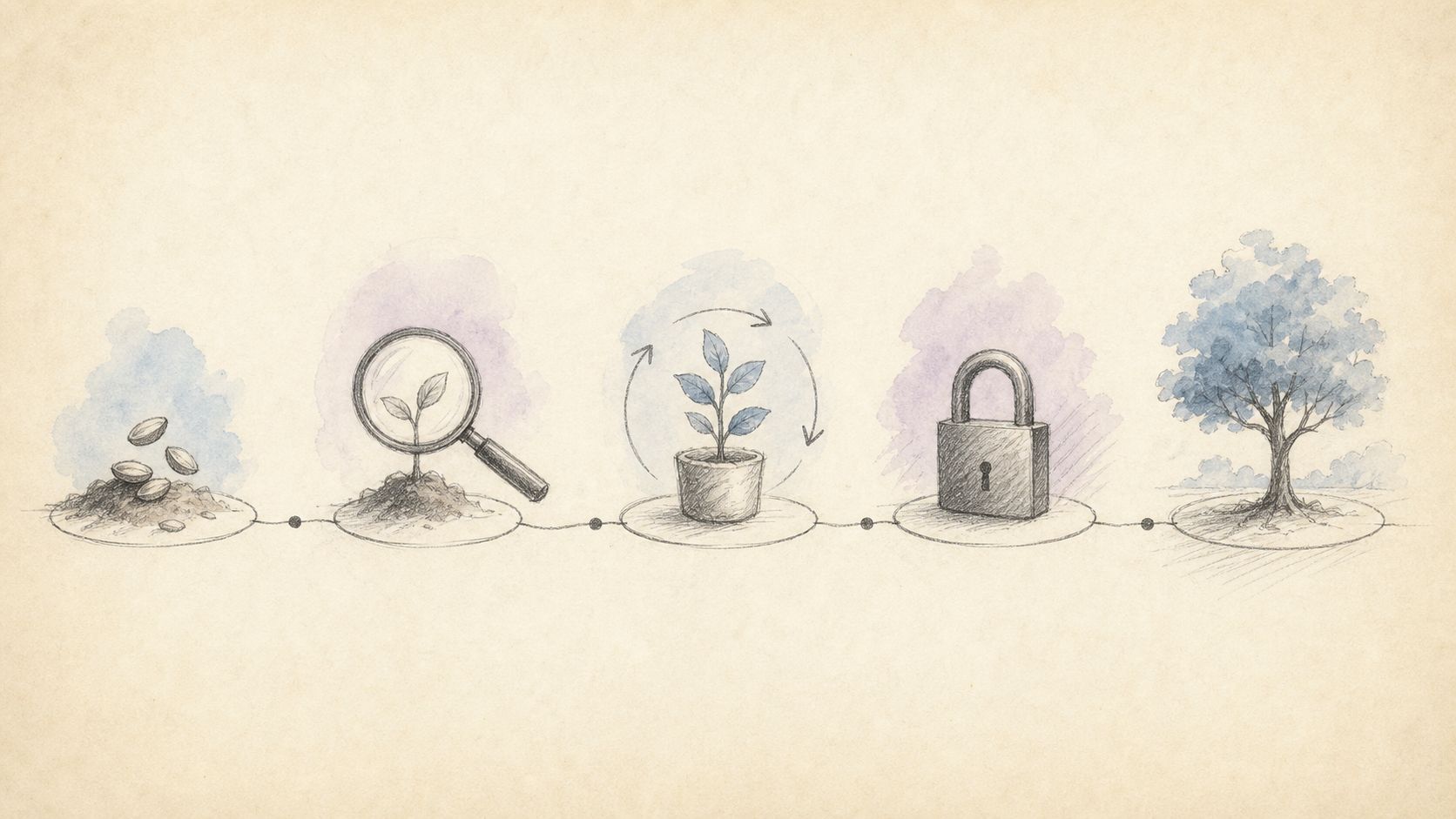 Figure: edit item by item; freeze the rest. Source: existing ChatIMG workflow sketch.
Practical rule: Accept a local edit on one test only—did anything you did not click drift? If it drifted, no Arena score clears the bar.
Conversational Image Editing: The Path That Skips Selections
Region tools ask you to point at “where to change”: magic wand, segmentation, brush, rectangle. Scene-aware local edit hands “understanding the scene” to the model, but you still have to say which patch to touch. Conversational image editing is lighter: iterate in a few plain-language turns and let the model infer location. The latter is closer to InstructPix2Pix’s original definition—better when you do not want to learn selections.
Adobe takes the precise-control path (Precision Flow / Markup); breakdown: Firefly Precision Flow vs conversational image editing. The conversational path does not compete on pixel-level brushes; it competes on “a task you can state in one sentence—can a few turns land just right.”
The figure below draws conversational iteration from coarse to fine—first turn swaps the background, second cleans edges, third finally touches the type.
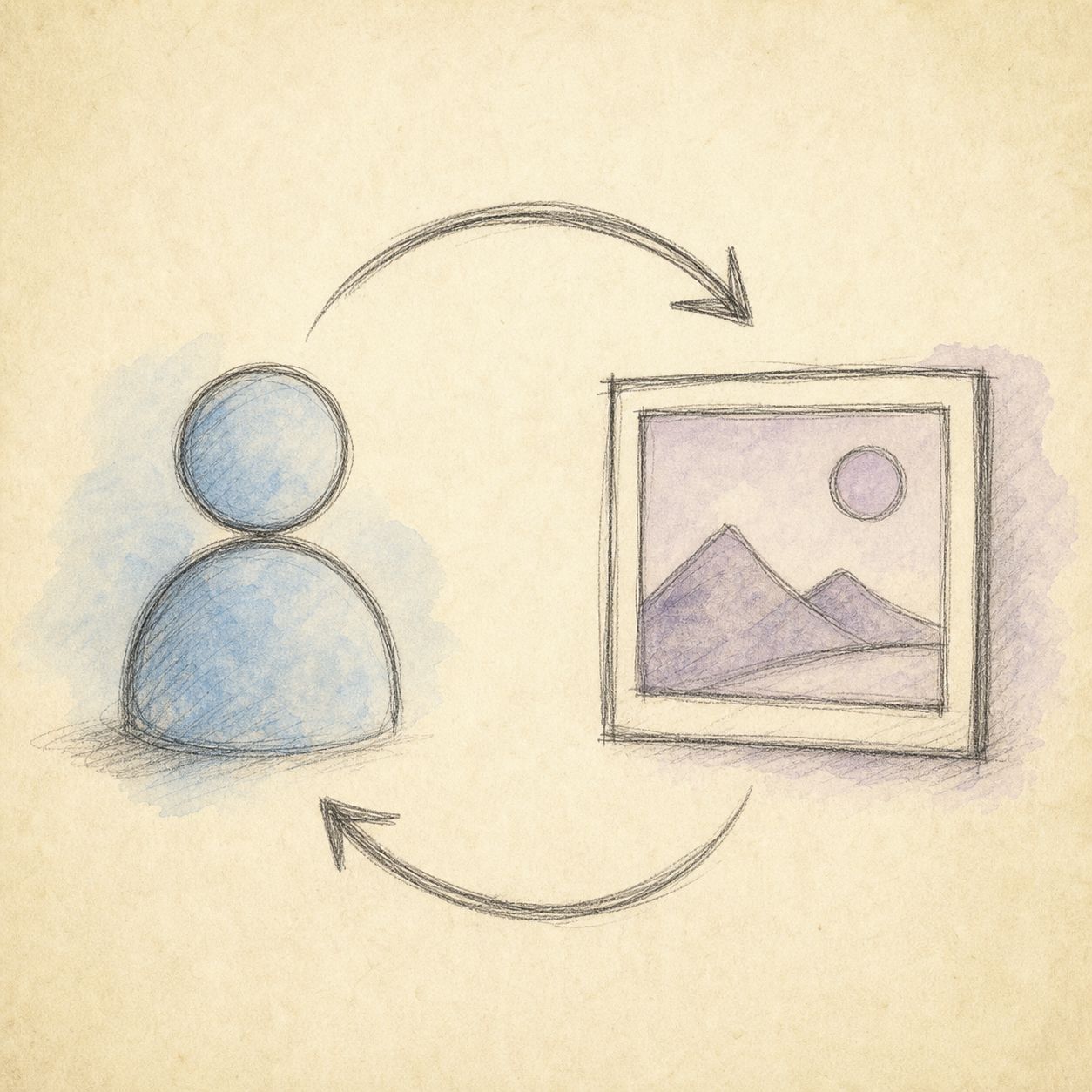 Figure: one sentence per turn—do not stuff three variables into one. Source: ChatIMG.
ChatIMG sits in that column: upload one image, say “swap background / remove watermark / change a local patch” in one sentence, instead of learning a selection toolkit first. It does not put MAI-Image-2.5 in the model picker—the launch page says so too. The latest Microsoft model you can select is MAI Image 2.6 Flash. The model name is not the feature; the task verb is.
Try conversational image editing free is for checking whether that sentence changes only what should change. It is not a stand-in for the Microsoft model, and not a shell around Grok’s magic wand.
Practical rule: If you will not click selections, do not learn a lasso toolkit for a leaderboard. First try one sentence on one of your own images; if it drifts, switch to a tool with selections—not to another model name first.
Pick by Task: Local Edit, Region Tools, Conversational Iteration
The skeleton is X vs Y vs Z. The third pole is not another closed flagship—it is how you direct: scene-aware local edit, visible selection tools, conversational iteration. In 2026’s model-launch wave, single-model deep dives get crushed by official blogs; what sticks is “how to pick by task.” Longer pick-by-scenario context: 2026 AI image generator comparison.
| Task | Try first | Why | Don’t |
|---|---|---|---|
| Existing image; swap background / one line of type / add one object; freeze the rest | Scene-aware local edit (MAI-Image-2.5’s product narrative) | Official pitch is untouched regions stay put | Re-run text-to-image and gamble the composition survives |
| Need to see the selection; edges must be clean | Region tools (magic wand / segmentation / Markup) | Only what your finger points at changes | Force “scene awareness” as a stand-in for a lasso |
| Won’t click selections; will only talk; ready for 3–5 turns | Conversational image editing | Original sense of instruction edits: change one spot, leave the rest | Treat the model name as the feature itself |
| Build a text-dense poster from scratch | Text-to-image foil (the poster default in the comparison) | Local edit cannot rescue a draft that does not exist | Force a text-swap tool to invent a poster that isn’t there |
Leave the decision tree with one exit. Once you pick a tool, try it on one of your own images—do not open another “you could also look at X” tab.
Decision filter: Ask yourself one question first—are you changing “the patch you named,” “the patch you can circle,” or “a task you can state in one sentence and are ready to iterate for a few turns”? Scene → local edit; circle → region tools; talk → conversation.
How to Use and Misuse an Arena Snapshot
Microsoft’s June 2 post writes: MAI-Image-2.5 ranks #2 on Arena’s image-edit board (the post claims ahead of Nano Banana 2) and #3 for text-to-image (the post claims ahead of GPT-Image-1.5 and Nano Banana Pro 2K). The same day the Arena official account published a Single-Image-Edit score of 1401, and wrote it about 10 points above Nano Banana 2, Grok Imagine Image Quality, and ChatGPT-Image-Latest-High Fidelity. The date anchor for those numbers is 2026-06-02.
Those numbers are usable in only two ways:
- Time anchor: on June 2, editing already sat in the first tier—not an “also edits images” side feature.
- Contrast, not a crown: #2 means the launch narrative deliberately stands on the edit board; it also means the board is live—screenshot again in a few weeks and the rank may already have changed hands.
Unusable readings: translating “#2” into “still #2 now,” or into “beats GPT Image 2 across the board.” Arena is preference voting, not print acceptance. Print acceptance asks: did the marked region drift, can the small type print, does the added object’s shadow look like it was always there.
Board entry: Arena Image Edit. When you cite, write the snapshot date; a rank without a date, this article treats as unsaid.
 Figure: keep “leaderboard rank” separate from “the patch you need to change.” Source: existing ChatIMG comparison art.
Falsifiable Predictions
- If Arena’s edit board knocks MAI-Image-2.5 out of the top three within two weeks: this article’s “editing is first-class” call must be downgraded. Local edit may still be useful, but “first tier” is void.
- If Microsoft publishes a reproducible multilingual text test that clearly beats the poster default candidate: the default tool for text-swap tasks has to change; we can no longer write “change one line” and “typeset from scratch” as the same job.
- If the consumer surface (PowerPoint / OneDrive / Playground) and the API fork in capability set: trust the tools you can actually click, not the press-release checklist.
- Scene awareness is not a stand-in for a lasso. Comparing it to Markup / magic-wand “pixel-level selection” yields the wrong conclusion.
These predictions sit in the body so a 14-day revisit has something to falsify—not so we have an escape hatch.
FAQ
What is MAI-Image-2.5?
Microsoft AI’s image generation and editing model shipped June 2, 2026. The official pitch is scene-aware local edit: when you swap backgrounds, text, or objects, unnamed regions stay put as much as possible. Entry: Microsoft announcement.
Is it still Arena edit #2?
Unknown, and you should not assume. The June 2 post and Arena’s official tweet are same-day snapshots. The board is live; citations must carry a date.
Can ChatIMG pick MAI-Image-2.5 directly?
No. 2.5 is not in the model picker. The latest Microsoft model you can select is MAI Image 2.6 Flash. The launch page What is MAI-Image-2.5 still routes the 2.5 local-edit narrative into the chat box: upload a photo, say what to change in one sentence.
How does local edit differ from conversational image editing?
Local edit stresses “understand the scene + freeze untouched regions”; conversational editing stresses “won’t click selections; iterate in a few sentences.” The former can be a model capability; the latter is an interaction paradigm. Pick by your fingers, not by the press-release headline.
Versus Grok Imagine’s magic wand?
The magic wand needs you to point at a region. MAI-Image-2.5’s public narrative is scene reasoning. Need to see the boundary → region tools; need one sentence to change it → conversation. Comparison: Image 2.0 region-edit review.
People who deliver stably are not the ones chasing every new model name—they are the ones who make every edit attributable and roll-backable. Write the task verb first, then open the tool.
If you want to try the lightest path—conversation—open chatimg.ai, upload one image, and start with one sentence. From today, make “change only what should change” the default, not luck.
ChatIMG.ai Team
More in this series
- Grok Imagine Image 2.0 vs GPT Image 2: Region Edits and Layout Text in 2026
- Adobe Firefly Precision Flow vs. AI Markup: Two New Paradigms for Precise AI Image Editing in 2026
- Chat to edit a photo — pick GPT Image 2, Nano Banana, or Seedream by task | ChatImg
- MAI-Image-2.6-Flash vs GPT Image 2: Same-Prompt Bakeoff
- Best Midjourney Alternatives 2026: Ideogram, Krea, and Chat Edit
View all 6 articles in Tool Comparisons →