Adobe Firefly Precision Flow vs. AI Markup: Two New Paradigms for Precise AI Image Editing in 2026

You’re on version 9 of the same product photo: the lighting is too harsh, there’s still clutter in the top-left corner, and the model somehow has an extra finger. It’s not that you can’t write a prompt — it’s that every new sentence reshuffles the entire image. The composition you finally nailed on the last version just fell apart again. Generating an AI image was never the hard part. The hard part is getting it to change only the one thing you asked for, and leave everything else alone.
This isn’t really a question of “how good is your prompt.” It’s a question of control precision — upgrading from “AI gives me something close enough” to “AI gives me exactly what I asked for.” In 2026, Adobe answered this question head-on with two new features, Precision Flow and AI Markup. Meanwhile, a lighter approach — conversational image editing — is tackling the same pain point in a completely different way.
Most reviews will just tell you “Firefly shipped another update.” This piece won’t stop there: we’re putting all three precision-control paradigms on the same table, laying out who each one is for and when to use which, so you can walk away with an actual decision instead of one more article you bookmark for “later.”
The image below shows what precision control looks like in practice: converging step by step from a “close enough” draft to a finished, “exactly right” result.
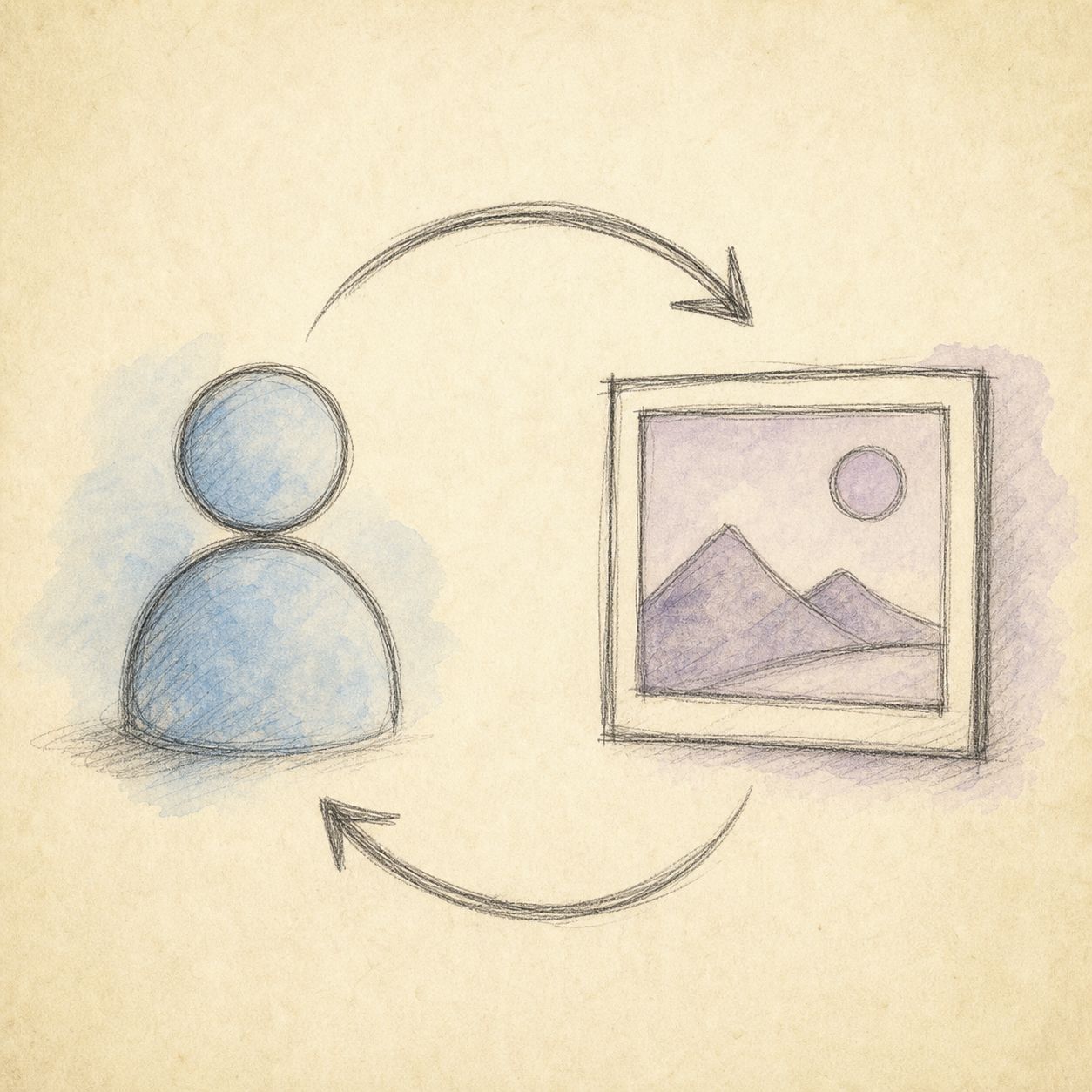
Image: “From close enough to exactly right” iteration diagram, illustrated by the ChatIMG team for this article
Why “close enough” isn’t good enough: precision control is the new dividing line in AI editing
At its core, precision control means breaking “redraw the whole image” down into attributable edits that touch just one variable at a time. When you change lighting, composition, and expression all at once, you have no idea which change actually worked — and that ambiguity is the biggest hidden efficiency drain in AI image editing.
Early text-to-image tools competed purely on “generation quality” — whose sample gallery looked most impressive. But in real creative work, most of the time isn’t spent “generating from scratch” — it’s spent “taking an image that’s already 80% right and getting it to 100%.” According to Adobe’s official blog post from April 9, 2026, the core goal of this update batch was to take creators from “almost there” to “exactly right” — and that official phrasing is itself an admission: AI image editing has been stuck on that last 20%.
Practical rule: To judge whether an AI editing tool is actually good, don’t look at how impressive its sample images are — look at whether it can “change one thing and leave everything else alone.”
Behind this is a broader shift: the value axis of AI image tools is moving from “what can the model generate” to “how precisely can you direct it.” What people search for most isn’t “which model produces the best quality” — it’s “how do I swap the background on this photo” or “how do I remove this watermark.” People want to get a specific task done, not admire the model’s capabilities. Whoever nails control precision wins this round.
Adobe Firefly Precision Flow: fine-tuning between variants with a slider
Precision Flow works like this: one prompt generates a full row of variants, then a slider lets you glide continuously between “subtle change” and “dramatic change” until you land on the version you had in mind — no need to keep rewriting the prompt.
Its real value is in making the exploration process visible. In the traditional workflow, you write a prompt, roll the dice once, tweak the wording if you’re not happy, and roll again — with all the in-between states left entirely to your imagination. Precision Flow lays those in-between states out as a continuous, previewable spectrum: you can see every step from the original image to your target and pick the exact frame that fits.
Situations where Precision Flow shines:
- You have a general direction in mind but can’t quite say how far to push it (“a bit more dreamy, but not too fake”)
- You need to hand a client a set of style-graded options to point at and choose from
- You’re in exploration mode and want to quickly map out what a prompt is capable of
Practical rule: When your need is “find the best point within a range” rather than “hit an exact pixel,” Precision Flow is the path of least effort.
Worth noting: Precision Flow excels at continuous adjustment, but what it adjusts is the overall mood, not a specific local area — which is exactly the gap AI Markup fills.
Adobe Firefly AI Markup: circle it, then change it, directly on the image
AI Markup gives you a brush and a rectangle tool, letting you circle exactly the area you want changed right on the image, then pair it with a prompt describing how to change it — add an object, adjust local lighting, or hand-sketch a new element.
This is a paradigm shift from “describing a location in words” to “pointing at it with your finger.” Before, you had to write “swap that lamp in the bottom-right corner for a warm-toned one” and hope the model correctly understood “bottom-right.” Now you just box the lamp and say “make it warm.” You can paint over or erase elements with the brush, lock down a specific region with the rectangle, or even place multiple markup boxes with independent prompts on the same image, directing different areas at once.
Practical rule: For any edit you can literally “point at” on the image, circling it with AI Markup is far more accurate — and faster — than describing the location in words.
AI Markup and Precision Flow are two complementary hands: one handles continuous adjustment of overall mood, the other handles precise targeting of local regions. Both point at the same goal — handing control back from “the model’s imagination” to “the creator’s intent.” For professional users who already know their way around Photoshop’s layer logic and are subscribed to the Adobe ecosystem, this is a natural capability upgrade.
Conversational image editing: chatimg’s alternative path to precision control
If Firefly is “a more precise scalpel on a professional canvas,” conversational image editing takes a different road: breaking precision control down into a series of short back-and-forth exchanges, changing one variable at a time, and rolling back with a single sentence if something goes wrong.
The mental model is simple: upload an image, then edit it the way you’d brief a person — “make the background light gray” → “remove the watermark” → “make the smile more natural, don’t touch the lighting.” Every round is an edit that’s attributable and reversible. This “short conversational iteration” approach essentially brings the explainability of conversational user interfaces into image editing — you always know exactly which instruction produced the current version. The diagram below breaks down this “one sentence per round” iteration path.
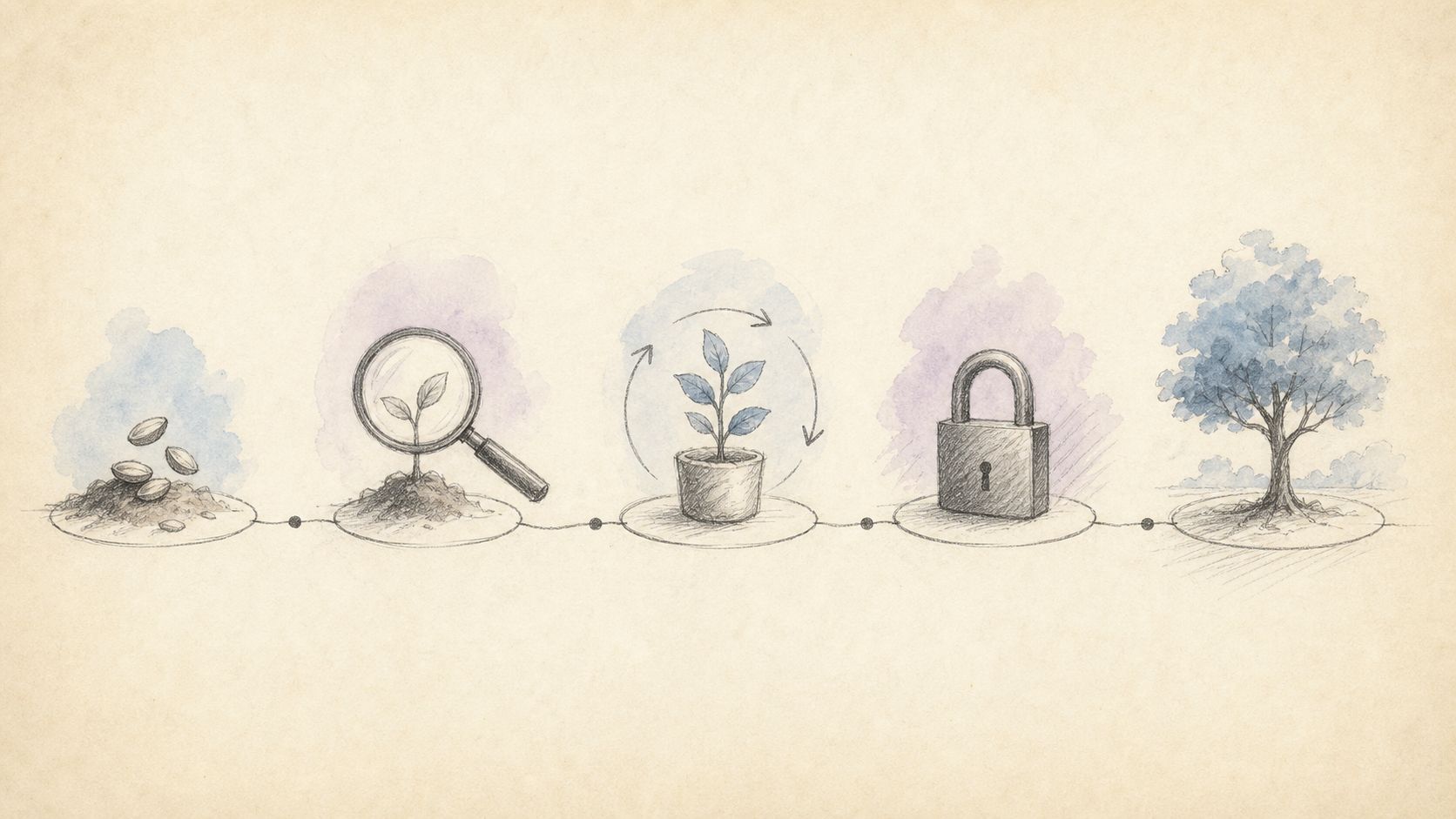
Image: ChatIMG’s conversational editing workflow — “Brief → Generate → Short-sentence fixes → Lock in”
On chatimg.ai, this approach adds a lever that a single-model tool like Firefly can’t offer: the same editing instruction can be sent to GPT-Image-2, Nano Banana 2, Seedream, and other models at once via the model switcher, so you can pick the best result. Swapping backgrounds, removing watermarks, changing styles, restoring old photos, generating pet portraits and professional headshots — these tasks are organized as ready-to-use “task verb” entry points, no need to learn a layer-based mental model first.
Practical rule: If your goal is “get this image ready to post, fast” rather than “fine-tune it pixel by pixel on a professional canvas,” conversational editing has a lower learning curve and lower cost of trial and error.
Conversational editing also has an honest limitation: it doesn’t give you pixel-level brush selection, and its local control ceiling is lower than AI Markup’s. But for the vast majority of “just needs to be good enough to post” needs — social media covers, e-commerce hero images, avatars — a few rounds of short back-and-forth conversation actually gets you to the finish line faster than opening a professional editing suite.
How to choose between the three paradigms: a side-by-side decision guide
Lay the three approaches side by side and you’ll see they each serve a completely different kind of person. Don’t ask “which one is strongest” — ask “which one fits you right now.” The image below gives a quick visual sense: the same source image, run through different paradigms, ends up in very different editing experiences.
Image: A reference comparison of the results across different AI editing approaches
| Dimension | Firefly Precision Flow | Firefly AI Markup | Conversational editing (chatimg) |
|---|---|---|---|
| Best for | Professional creators who need a batch of style-graded options | Experienced retouchers fluent in layer-based editing | Anyone who needs social/e-commerce assets fast |
| Control method | Slider adjusts overall mood | Brush/rectangle selects local regions | One sentence per round, conversationally |
| Learning curve | Medium (requires the Firefly ecosystem) | High (requires professional editing background) | Low (if you can type, you can use it) |
| Precision | Strong continuous global adjustment | Strongest local, pixel-level precision | Good enough at the task level; local ceiling is rougher |
| Model choice | Firefly only | Firefly only | Switch between multiple models |
Decision filter: Start by asking yourself one question — what you want to change is “the mood of the whole image,” “a specific region of the image,” or “a task you can describe in one sentence”? Mood → Precision Flow. Region → AI Markup. Task → conversational editing.
One more perspective worth adding for 2026: with models iterating rapidly across the board, obsessing over “which model is strongest” doesn’t mean much, because the leader changes almost every month. The real, stable dividing line is the interaction paradigm — how you direct the model matters more to your efficiency than which model you’re directing.
Frequently Asked Questions (FAQ)
Do Precision Flow and AI Markup require a separate payment? Both are part of Adobe Firefly’s April 2026 update and ship with the Firefly ecosystem; check the official Adobe Firefly page for exact allowances and subscription tiers.
Can I get precise editing without installing Photoshop or subscribing to Adobe? Yes. Conversational editing is designed exactly for this — open it in your browser, upload an image, and iterate with short sentences. No professional software background required.
Can conversational editing match AI Markup’s precise local selection? For pixel-level local control, dedicated brush selection is still more precise. But for tasks you can describe in one sentence — swap the background, remove a watermark, change the style — conversational iteration usually gets you to the finish line faster. For a deeper breakdown of these two approaches, see also Blue Lightning’s write-up on Firefly’s new features.
From “close enough” to “exactly right”: a reusable workflow
Whichever path you end up choosing, the methodology behind precision control is the same. Here it is as a reusable process:
- Write a clear brief: channel, aspect ratio, must-have elements — spell it out in one sentence
- Generate a first draft: get to something 80% right first; don’t chase perfection in one shot
- List your diagnosis: write out everything that needs fixing (text/hands/background/lighting), five items max
- Fix one thing at a time: change a single variable per pass — drag the slider in Precision Flow, box a region in AI Markup, send one sentence in conversational editing
- Lock it in and reuse it: save the parameters or conversation from “the version that worked” as a template you can reuse next time
The people who deliver consistently aren’t the ones writing the longest prompts — they’re the ones who make every edit attributable and reversible. The tool is just the means. What actually gets you from “close enough” to “exactly right” is the patience to break control down into smaller pieces.
If you want to try the lightest of these three paths right now, open chatimg.ai, upload an image, and start editing with a single sentence — starting today, make “exactly right” the default, not a matter of luck.
More in this series
- Chat to edit a photo — pick GPT Image 2, Nano Banana, or Seedream by task | ChatImg
- MAI-Image-2.6-Flash vs GPT Image 2: Same-Prompt Bakeoff
- Best Midjourney Alternatives 2026: Ideogram, Krea, and Chat Edit
- MAI-Image-2.5 Local Edit vs Chat: How to Pick in 2026
- Grok Imagine Image 2.0 vs GPT Image 2: Region Edits and Layout Text in 2026
View all 6 articles in Tool Comparisons →