GPT-Image-2 Transparent Background (2026 Preview): Real Alpha PNGs for Sprites and Cutouts

3-second take: On 20 Aug 2026 OpenAI said transparent backgrounds are in preview for GPT-Image-2 in the API. ChatImg turned that into a toggle the next day. You get a PNG with a real alpha channel — useful for product cutouts, game sprites, and UI chrome, not for full-bleed posters.
OpenAI Developers wrote: generate reusable assets you can place on any background—for product imagery, graphic design, website mockups, and marketing campaigns. That is an alpha channel, not “a cleaner backdrop”. ChatGPT could already do this; the API could not. Production pipelines only care about the API.
ChatImg’s Chinese GPT-Image-2 guide did more than 10,000 sessions in 90 days; the /landing/gpt-image-2 page added about 1,600. The traffic is already on this model. Transparent export is the next verb those visitors will type, not a new thin page that cannibalizes the cluster.
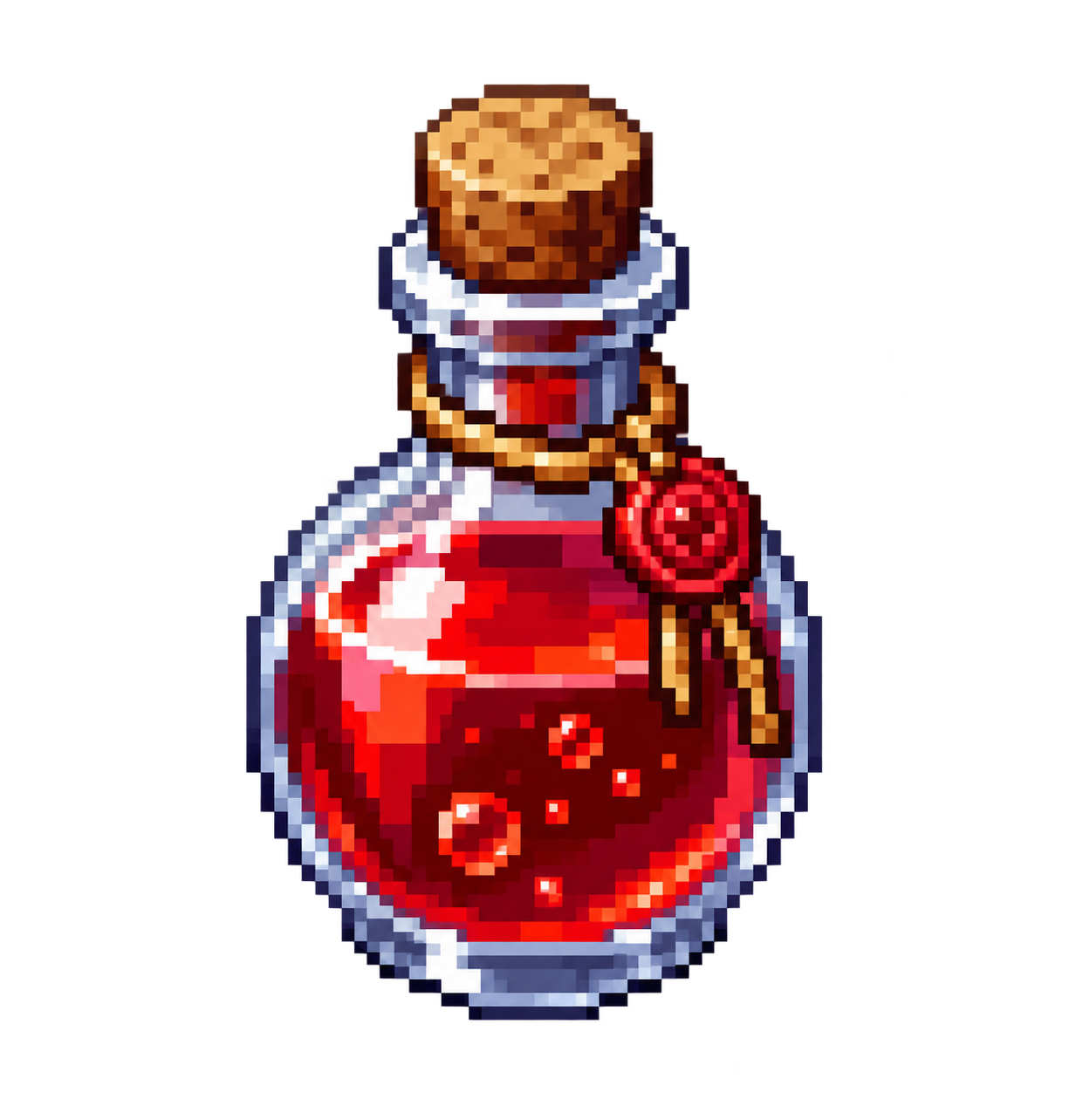
Probe from 21 Aug 2026. Prompt: isolated red potion bottle sprite, transparent background. IHDR color type 6 (RGBA). About 69% of pixels have alpha=0.
What OpenAI actually shipped
The 20 Aug 2026 post from OpenAI Developers, amplified by MaxForAI, is the source of truth. Max’s useful observation: people assumed this already existed because ChatGPT could emit transparent images. The API had not formally supported it.
Practical rule: Treat “ChatGPT can emit a transparent image” and “the API can emit a transparent image” as different products. Before 20 Aug 2026, an API sprite pipeline almost always needed a second background-removal pass.
Preview means the field, the defaults, and which vendor path actually returns alpha can still move. ChatImg keeps it as an explicit toggle so poster users are not surprised by empty pixels.
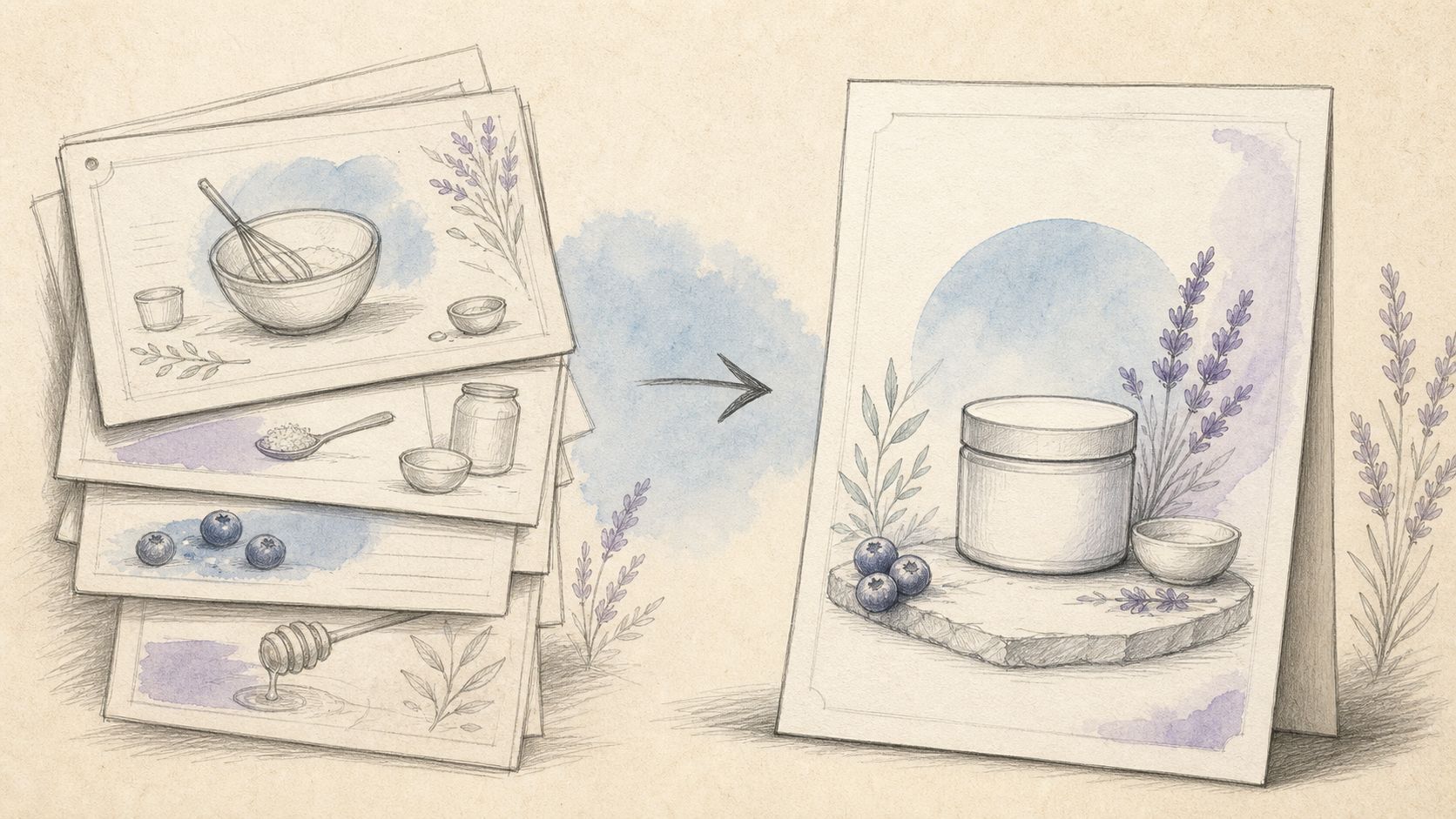 Same prompt sheet: subject first, then what to refuse (no floor, no backdrop). Source: ChatIMG prompt guide.
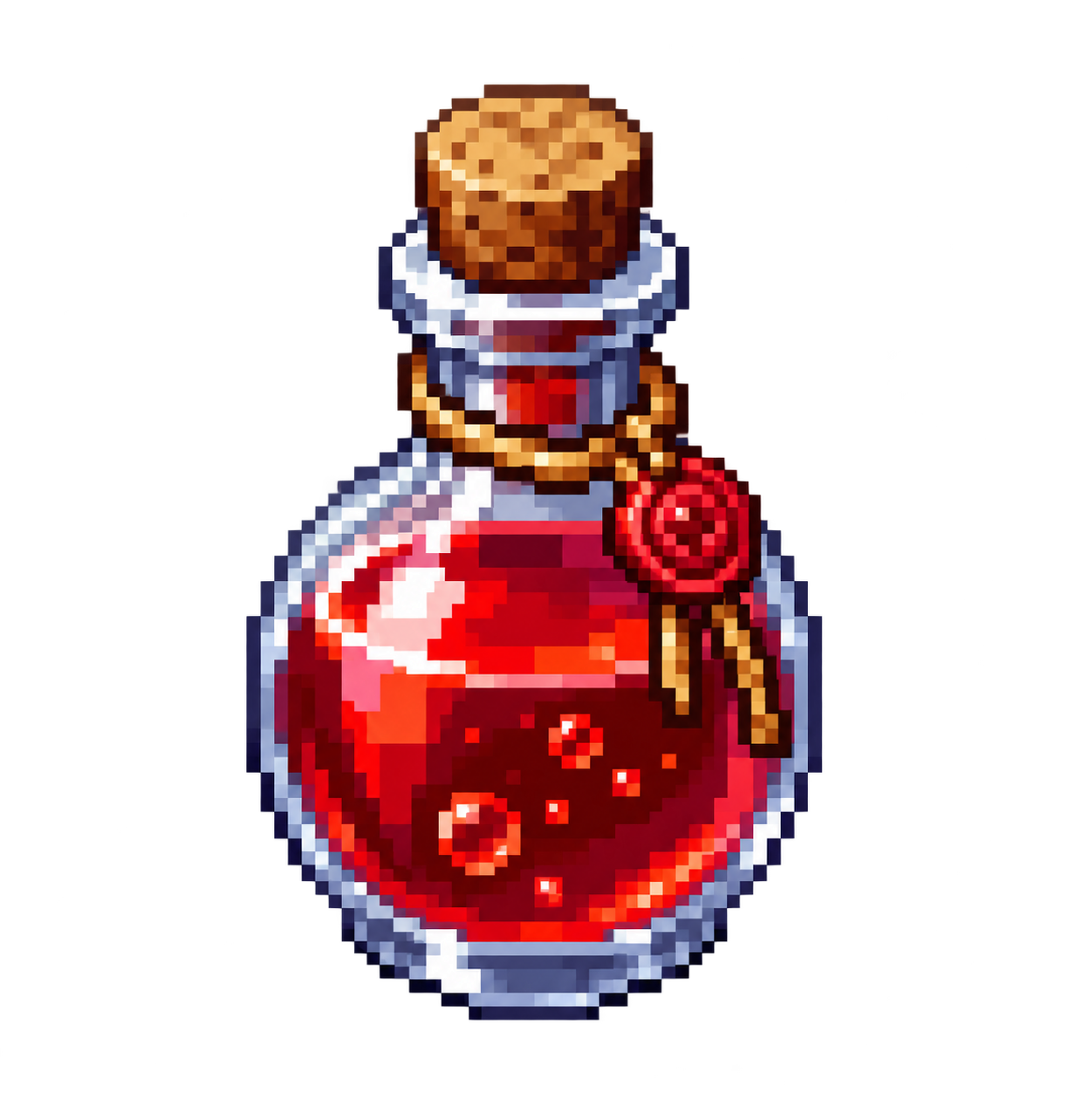 The probe PNG also lives on the feature CDN path so the landing and the post share one file.
What ChatImg measured the next day
Same sprite prompt, three providers, low quality tier:
| Path | How we asked | Result | Alpha |
|---|---|---|---|
fal.ai openai/gpt-image-2 | background: "transparent" + output_format: "png" | OK, ~14s, 1024×1024 PNG | No (color type 2, RGB) |
| fal.ai, same model | Prompt only (“transparent”, “alpha”) | OK, ~15s | No (still RGB) |
| ChatImg openai-next chat | Prompt constraint | OK, ~39s, 1225×1284 PNG | Yes (color type 6; 69.1% alpha=0, 30.8% partial edge) |
Official /v1/images/generations | background: "transparent" | Proxy failed this run | Not measured |
The hunch “maybe only fal.ai works” is backwards today. ChatImg’s default openai-next path is the one that returned a real alpha channel. fal accepted the field and still wrote RGB — a studio wall, not a compositable asset.
Practical rule: For a transparent PNG on ChatImg, pick GPT Image 2 and turn on Transparent background. Do not switch to fal “to be more official”; that path does not ship alpha today.
Transparent requests skip the 4K→fal short-circuit. 4K usually goes to fal to avoid Cloudflare 524s; fal cannot give you alpha right now. With the toggle on, ChatImg stays on the path that can, at plain gpt-image-2’s ~1.5K cap. Turn the toggle off for print-size posters.
Three jobs that actually pay: cutouts, sprites, UI
OpenAI named product imagery, graphic design, website mockups, marketing campaigns. The ChatImg jobs that repeat:
1. Product cutouts / background removal. Ecommerce SKUs, PDP composites, seasonal ad backgrounds. Old path: generate on white, then remove.bg. New path: isolated product, studio cutout, transparent background. If you already have a studio photo, use the Transparent Background Maker — browser color-key, nothing uploaded.
2. Game sprites and stickers. Isometric potions, characters, UI chrome, die-cut stickers. An atlas only works if the pixels around the subject are empty, not “looks like white”. The probe image is this job.
3. UI and web components. Icons, empty states, marketing mockups that sit on the brand color the page already uses.
Ninety-day GA for chatimg.ai puts GPT-Image-2 URLs at the top of the site. The existing color-key tool page (/features/transparent-background-maker) had single-digit sessions. We attached the new capability to the cluster that already ranks, instead of minting another thin “remove background” URL.
Prompts that actually leave the channel empty
Structure beats adjectives:
[isolated subject], [view / aspect], transparent background, PNG with alpha channel,
no backdrop, no floor, no studio wall, no checkerboard, no drop shadow
Copy-paste:
- Product:
frosted-glass perfume bottle, 45-degree commercial still, fully transparent background, PNG alpha, no table, no reflection - Sprite:
isometric 32-bit red potion bottle game sprite, isolated subject, transparent background, no ground grid - UI:
line icon "download", 24px visual weight, monochrome, fully transparent background, works on dark and light nav
Practical rule: Say both what you want and what you refuse. Writing only “transparent” without “no floor / no backdrop” still gets you a fake white studio.
Open ChatImg · GPT Image 2 · transparent. The toggle sits next to output size. ?background=transparent turns it on from the URL.
How this splits from color-key, ChatGPT, and 4K posters
| What you have | What to use |
|---|---|
| A prompt, need a new asset | ChatImg GPT Image 2 + transparent (this page) |
| A photo that already exists | Transparent Background Maker |
| Playing inside ChatGPT | ChatGPT Images — not a production API |
| A 4K full-bleed poster | ChatImg GPT Image 2 with the toggle off |
Do not split “remove background” and “transparent generation” into two ranking URLs. Generation lives in the GPT-Image-2 cluster (guide, landing); color-key stays on the tool page. One intent, one URL.
Model comparison: GPT-Image-2 vs Nano Banana 2. Prompt craft: GPT Image 2 prompt best practices.
Preview limits you should budget for
- Preview, not GA. Field names, defaults, and which vendor path returns alpha can change. ChatImg follows the probe, not stale docs.
- fal.ai is not the transparent path today. Their schema may catch up; our 21 Aug byte check still showed RGB.
- Transparent and 4K are currently mutually exclusive. Channel → ~1.5K openai-next. 4K → opaque.
- Not a universal hair-strand matting model. Fine hair, frosted glass, and crowds can leave dirty alpha. Check on a checkerboard before you ship.
Sources you can verify: OpenAI Developers, MaxForAI, LM Arena for model standing (not a score for this transparency drop).
Next: open transparent GPT-Image-2 on ChatImg, run the three prompts, drop the PNGs into Figma or an engine. If the channel is empty, wire it into the pipeline. If it is not, keep the file — that is the feedback preview is for.
More in this series
- FLUX.2 vs GPT Image 2 vs Seedream 4.5 vs Nano Banana 2: The 2026 AI Image Model Showdown
- AI Chat Image Workflow 2026: From Conversation Prompts to Publish-Ready Assets
- GPT Image 2 Official Site vs Online Free Access (2026 Guide)
- GPT Image 2 Prompt Best Practices 2026: Readable Poster Text First
- How to Use GPT Image 2 Free Online 2026: No ChatGPT Plus Required