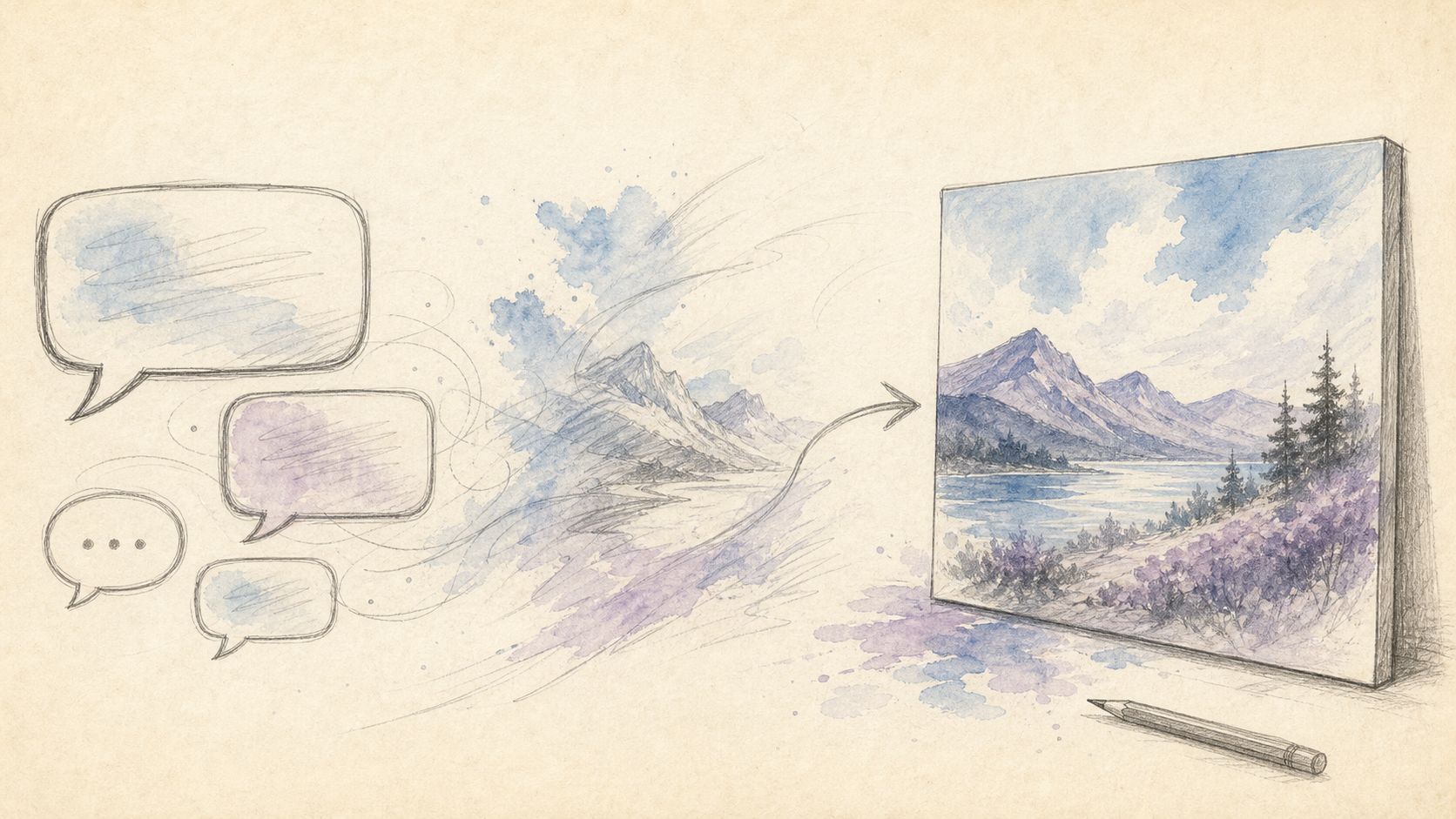
AI Chat Image Workflow 2026: From Conversation Prompts to Publish-Ready Assets

Two hours before the post goes live, you are still on version seven of the same cover: the headline is mushy, the background is busy, and the smile looks like a stock-photo grin. The issue is rarely “you cannot write prompts.” It is betting the night on a single 200-word paragraph. People who ship treat generation like a short conversation—state the job, change one variable per reply, stop when the asset is publishable. Searches for ai image chat and chat with image are not really about magic spellbooks; they are about a repeatable chat workflow.
This playbook breaks conversational image work into steps: why chat beats one-shot novels, a five-step loop, a durable prompt skeleton, repair phrases, when to jump to scenario landings, and how teams hand off without losing the thread.
Why “chat” beats one-shot mega-prompts
A long prompt fails less because of length and more because signals conflict and you cannot attribute the win. When you change lighting, crop, expression, and headline together, a better (or worse) frame teaches you nothing. Chat-style control splits the work:
- Goal turn: channel + aspect + audience (“LinkedIn banner, 1.91:1, B2B SaaS”)
- Constraint turn: exact text, no watermark, brand navy
- Repair turn: softer smile only / fix spelling only / tighter crop only
It is closer to iterative debugging than to poetry. For the broader idea of dialogue-driven interfaces, see Wikipedia: Conversational user interface. Clear instructions beat adjective piles—OpenAI Help likewise rewards specificity over vibes.
| Approach | Strength | Risk | Best for |
|---|---|---|---|
| One mega-prompt | Looks “pro” | No attribution, style drift | Reusing a proven template |
| Short chat turns | Debuggable, team-friendly | Uses more rounds | Covers, ads, product stills |
| Pure re-roll lottery | Occasional surprise | Not reproducible | Moodboards, not delivery |
Practical rule: Change one variable per message or you cannot tell what fixed the result. Save every winning turn as a template.
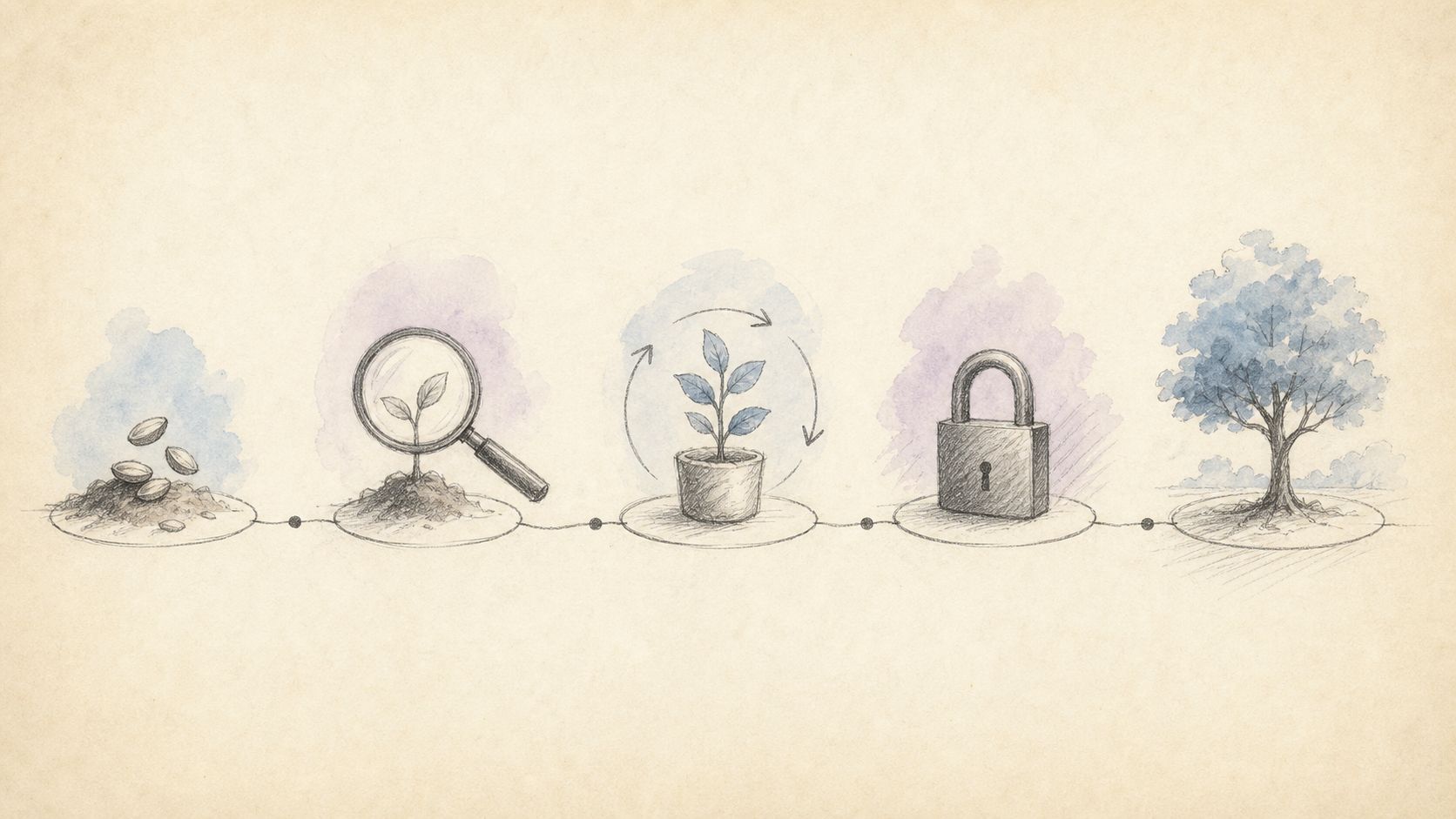
The five-step workflow
Treat AI chat image work like a mini project board, not casual chat.
| Step | Action | Output | Done when |
|---|---|---|---|
| 1 Brief | Channel, aspect, audience, must-have text | One-sentence job | A teammate can restate it |
| 2 Seed | Skeleton prompt → v1 | Draft | Composition direction is right |
| 3 Diagnose | List: text / hands / bg / light / brand color | Punch list | ≤5 items |
| 4 Iterate | 2–4 short repairs | v2–v4 | One change per turn |
| 5 Lock | Save final prompt + notes | Asset pack | Reproducible tomorrow |
Mini example (social cover)
Brief: Vertical 3:4, title “Learn in 5 minutes,” subtitle “beginner-friendly,” soft light half-body, no watermark.
Seed:
Vertical 3:4 social cover, half-body portrait, soft light,
headline "Learn in 5 minutes", subtitle "beginner-friendly",
clean background, sharp text, no watermark, no gibberish
Diagnose: Title soft; background cluttered; smile too salesy.
Repairs:
- “Keep composition and person; make the headline bolder print type with exact spelling.”
- “Simplify background to light gray; remove props.”
- “More natural smile, less stock-photo energy; keep lighting.”
Open the studio at chatimg.ai. For text-critical posters, use GPT Image 2 or the landing page.
Practical rule: If you pass eight turns still rewriting everything, stop and restart from the last good frame with one short repair sentence.
Conversation works when the skeleton is stable and repairs are short. The skeleton aligns v1; repairs do local surgery.
Skeleton (copy-ready)
[aspect ratio] + [scene/background] + [subject detail] + [style keywords]
+ headline "...." + subtext "...."
+ [lighting/lens] + [material finish]
+ avoid: blurry text, watermark, extra fingers, clutter| Job | Skeleton emphasis |
|---|---|
| Product hero | White bg, centered subject, short claim, studio light |
| Headshot feel | Shoulders-up, neutral backdrop, natural expression |
| Explainer | Columns, icons, short hierarchy |
| Event poster | Biggest title, date on its own line, high contrast |
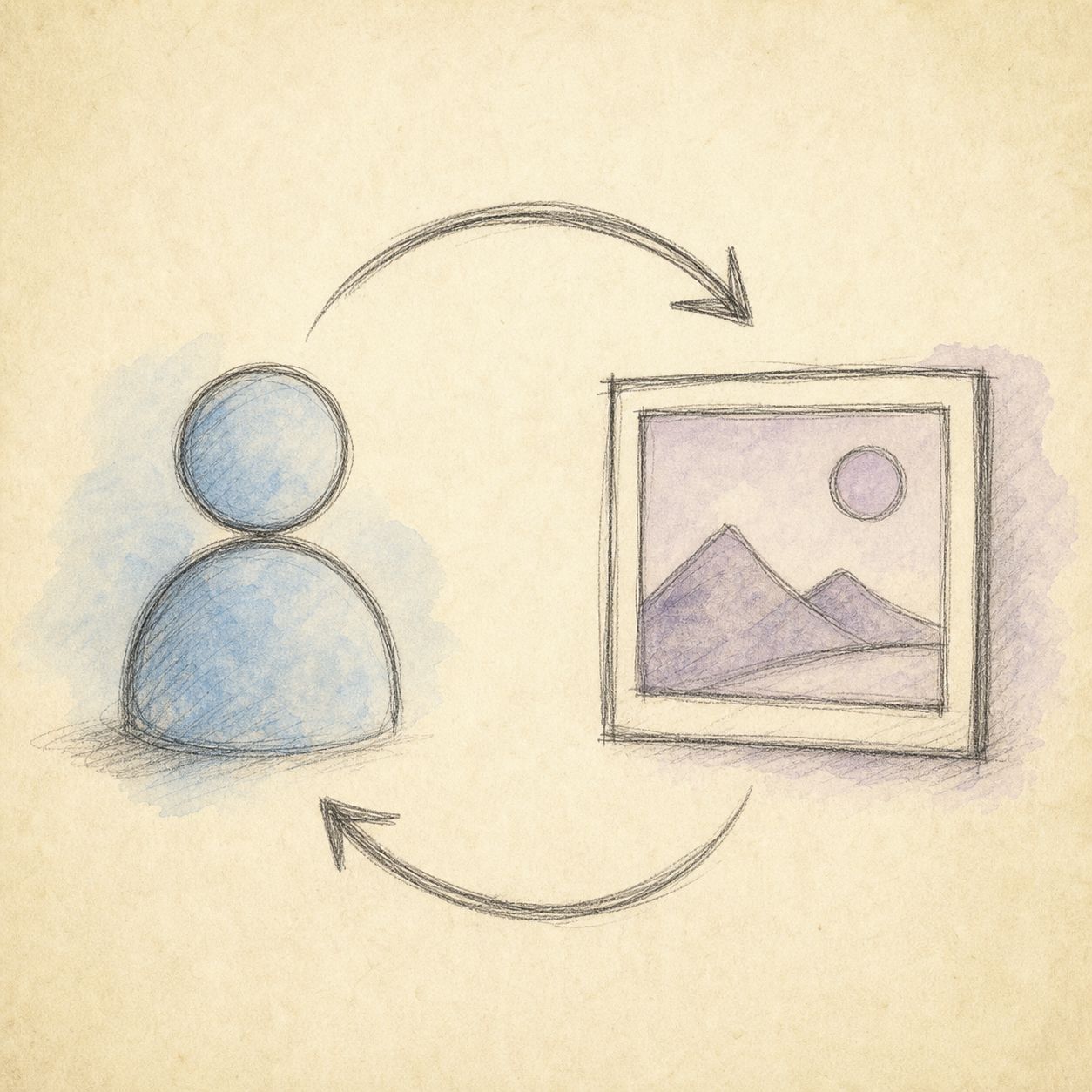
High-success repair phrases
- “Keep composition; only fix the title spelling.”
- “Same person, warmer light, slightly less contrast.”
- “Crop tighter 1:1 for avatar use.”
- “Remove watermark and corner gibberish.”
- “Bias brand color toward navy; no neon.”
- “Cleaner background, sharper subject edges.”
- “Keep last font vibe; only replace copy with ‘…’.”
Low-success habits
- Changing person, scene, type, and palette in one turn
- Stacking empty words (“premium, luxurious, high-end, exquisite”)
- Asking for “same vibe” without naming what to preserve
For color specificity, use tools like Adobe Color and concepts from MDN: CSS color. Naming hue and contrast beats “make it pretty.” Google’s helpful-content mindset—creating helpful content—also maps to creative ops: satisfy the job first, decorate second.
Practical rule: When style drifts, paste the exact winning prompt and only swap subject nouns and quoted copy.
When to switch tools inside ChatIMG
Not every job should start from a blank chat. Scenario landings are pre-filled Briefs.
| Need | Start here | Chat focus |
|---|---|---|
| General AI image chat | chatimg.ai | Brief → iterate |
| Text-heavy posters | landing/gpt-image-2 · model entry | Validate short headlines first |
| Personal color cards | personal-color-test | Selfie quality + palette |
| Warm/cool undertone | skin-undertone-test | Daylight bare-face selfie |
| Headshot-style stills | Relevant landing / main studio | Expression + backdrop consistency |
For chat with image (continue from an uploaded photo), editing depends on source quality far more than pure text-to-image does. Strip beauty filters and heavy retouching before you upload, otherwise those filters poison the signal.
Team handoff: make the conversation transferable
Solo creators rely on memory; small teams need artifacts. Attach three things to every delivery:
- Final full prompt (not only the PNG)
- Ordered repair phrases (2–5 lines)
- Channel + aspect notes (“TikTok cover 9:16, title ≤6 words”)
Tomorrow’s teammate can reproduce the frame instead of replaying a lost chat. If you use a cloud gallery, name projects—avoid a folder of “untitled generation.”
Failure cheat sheet:
| Symptom | First move |
|---|---|
| Gibberish type | Shorten + quotes + “print-legible” |
| Style drift | Paste winning prompt; change subject only |
| Broken hands | Negatives + tighter crop / farther shot |
| Wrong brand color | Name the color or hex lean |
| Getting worse each turn | Revert to v1 or rewrite Brief |
Practical rule: Marketing stills usually need 3–5 turns. Exploratory moodboards can be looser—do not mix delivery and exploration in one thread.
FAQ
Is AI image chat the same as ChatGPT?
Conceptually similar (iterate in dialogue). ChatIMG is a web image studio with scenario landings, optimized for publishable stills—not a general chatbot substitute. For company policy and product help on OpenAI’s side, use OpenAI Help.
Can I chat with an uploaded image?
Where the product exposes upload/edit/analysis flows (color, restoration, reference-guided edits), yes. Check the page UI. Use natural light and minimal filters.
How many iterations are normal?
About 3–5 for marketing stills. Past eight without structural progress, rewrite the Brief.
How do I keep brand consistency?
Save a style block (palette, lens, type vibe, negatives) and paste it at the start of every session before the job-specific lines.
How should I spend free daily generations?
Spend them on post-diagnosis repairs and final locks—not endless blind re-rolls. Seed with the shortest viable prompt.
Can I mix languages in one prompt?
Yes. Keep brand names and must-be-exact English headlines native; write constraints in the language you control best. Always quote critical copy.
Start chatting images
You do not need a perfect first sentence. Write a Brief, repair in short turns, and bank the winning prompt as an asset.
- Studio: chatimg.ai
- Text-strong path: chatimg.ai?model=gpt-image-2 · landing/gpt-image-2
- Color scenes: personal-color-test · skin-undertone-test
Change one variable tonight. That single habit is what turns “ai image chat” from a search query into a shipping workflow.
— ChatIMG Editorial
More in this series
- GPT Image 2 Official Site vs Online Free Access (2026 Guide)
- GPT Image 2 Prompt Best Practices 2026: Readable Poster Text First
- How to Use GPT Image 2 Free Online 2026: No ChatGPT Plus Required
- 9 Coherent Comic Panels in One Shot: AI Storyboarding with Seedream 4.0
- GPT-Image-2 Just Killed the Entire Fake-Image Cottage Industry: What Dies, What Thrives, How Trust Rebuilds