GPT Image 2 Official Site vs Online Free Access (2026 Guide)

You type “gpt image 2 official site” because you want a trustworthy door—not a login maze, not a look-alike domain one letter off, and not a wallet-connect popup that has nothing to do with generating a poster. Half the results feel like policy pages; the other half feel like traps. What you usually need is simpler: can I generate one readable image online in the next minute without wiring my bank account to a stranger?
This guide splits three intents that SERPs mash together: OpenAI’s official product surface, creator-facing free online studios, and phishing clones. When you finish, you should know when to read company docs and when to open a web generator and test a headline.
Three intents behind one query
| Intent | Clues in the query | Go here | Avoid |
|---|---|---|---|
| Official product & policy | official, openai, docs, help | OpenAI, ChatGPT, Help Center | “Official mirror” checkout pages |
| Free online trial | free, online, no Plus | ChatIMG.ai + GPT Image 2 | “Unlimited free forever” installers |
| Poster text accuracy | prompt, text render, thumbnail | ChatIMG studio + landing | Uploading IDs to unknown mirrors |
Practical rule: If the domain is neither openai.com / chatgpt.com nor a brand you already trust (for example chatimg.ai), do not log in and never paste an API key.
Treat official as ownership and policy, online as generate-in-browser now, and free as the quota the site shows in its UI. They can overlap; they are not synonyms.
What “official” really is
OpenAI ships image models through ChatGPT and the API. There is no permanent magic domain that must be named gptimage2.something. When people say “official site,” they usually mix:
- ChatGPT web — full product experience; limits often follow account tier
- Developer docs / API — for product integration, not “one cover image now”
- Third-party studios — some are legitimate creation tools; some are clones
For company-level information, start at openai.com, chatgpt.com, and help.openai.com. Classic phishing lines include “official mirror,” “unlock the real model with a top-up,” and “no login infinite free.” Those are not healthy signals.
ChatIMG.ai is a creator-facing web studio: multi-model image generation (including GPT Image 2 paths), scenario landings, and browser export. It is not OpenAI’s corporate homepage. Product evidence:
- Model entry: chatimg.ai?model=gpt-image-2
- Scenario landing: chatimg.ai/landing/gpt-image-2
- Home: chatimg.ai
For browser hygiene, skim Google Safe Browsing and MDN: HTTPS. Certificate warnings, forced unknown EXE downloads, seed-phrase prompts, or “unlimited free forever” claims are the usual red flags.
60-second online path (when you want a picture now)
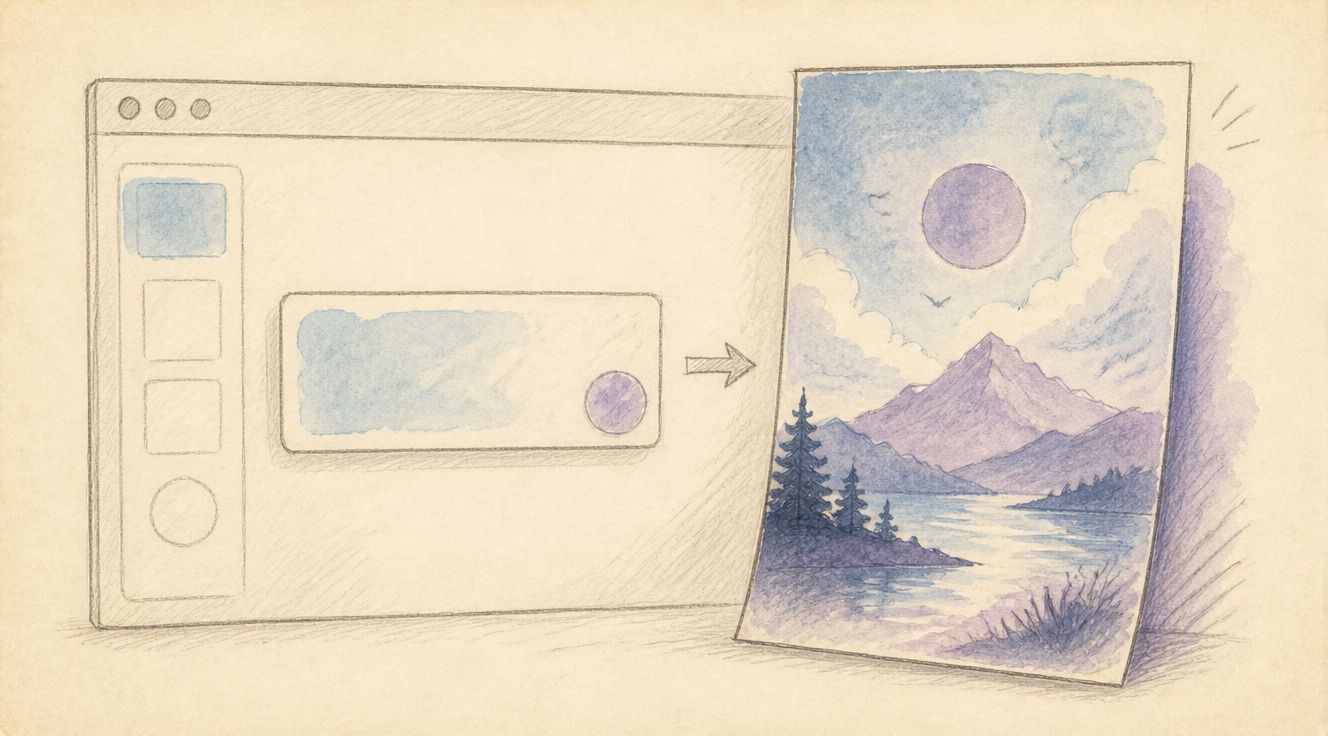
If the job is prove that big headline text renders cleanly, take the short path:
- Open chatimg.ai?model=gpt-image-2
- Confirm GPT Image 2 (or the page’s recommended image model)
- Paste a white-background + short-title prompt
- Generate → check type legibility → download
Landing overview: GPT Image 2 landing.
Starter prompt:
E-commerce hero, pure white background, product centered,
bold headline "LIMITED OFFER", small line "Free shipping",
clean studio light, sharp readable text, no watermark, no gibberish
Practical rule: First test a plain “white background + big headline” prompt before complex scenes, talent, or multi-panel layouts.
If you need enterprise policy, procurement language, or official model notes, stay on OpenAI’s surfaces—do not hunt for “official vibes” on clones.
Free trial framing: not unlimited, not automatically Plus
People searching “chatgpt image 2 free” often bounce between two extremes: “Plus required forever” and “unlimited free everywhere.” A more accurate frame:
| Phrase | Better meaning |
|---|---|
| Free trial | Daily generations granted by the site UI |
| Start without Plus | You can try a web studio without buying OpenAI’s monthly plan first |
| Unlimited free forever | Usually fake marketing |
| Relation to Plus | Plus is inside OpenAI’s product; ChatIMG uses its own web quota/billing |
Practical rule: When quota ends, read the on-site upgrade path or wait for the next cycle—do not follow “pay a stranger $5 for permanent official unlock” popups.
Spend free credits where GPT Image 2 is strongest: posters with type, UI mock copy, packaging labels, thumbnail headlines. Use lighter models for pure style exploration so the scarce credits go to “text must be right” frames.
Spotting clones and phishing
| Signal | Healthy | Risky |
|---|---|---|
| HTTPS + brand | Valid cert, consistent brand | Typo domains, cert errors |
| Auth | Normal email/login | Wallet connect / seed phrases |
| Pricing | Clear daily caps & plans | Infinite “one more top-up” traps |
| Export | In-browser image download | Forced unknown installers |
| Privacy | Discourages ID / bank uploads | “Upload passport for sample” |
| Support | Public help docs | Private chat + personal transfers |
Borrow the spirit of Google account security basics: do not reuse your primary password on trial sites, and keep two-step verification switched on.
Starter prompts that validate the right entry
Use a structure that survives first runs:
[aspect] + [scene] + [subject] + headline "...." + subtext "...."
+ [light] + [finish] + avoid: blurry text, watermark, gibberish| Job | Prompt focus |
|---|---|
| Product hero | White bg, centered product, short claim |
| Social cover | Vertical 3:4, title + subtitle, soft light |
| Event poster | Big event name, date on its own line, high contrast |
| UI mock | Explicit button labels, light/dark mode, no fake logos |
Example — social:
Vertical social cover 3:4, large title "Learn in 5 minutes",
readable subtitle, soft light portrait, no gibberish text
Example — UI:
Phone app home mockup, dark mode, large green "Start" button,
streak label "12 days", four-tab bar with short labels, crisp UI text
Practical rule: Put exact copy in quotes and name a type vibe (bold poster / clean sans). Long slogans fail more often than two short lines.
Related creator tools on the same brand: personal color test, skin undertone test, and the general studio at chatimg.ai.
FAQ
Is chatimg.ai the official OpenAI site?
No. It is an online access / creation product. Use OpenAI for company-official policy; use ChatIMG for fast web creation with a GPT Image 2 path.
Do I need ChatGPT Plus?
Not for ChatIMG’s free-tier path—follow on-page quota rules. Plus is a separate OpenAI product subscription.
Is free online GPT Image 2 safe?
On trusted domains with clear privacy and quota copy, yes for ordinary creative trials. Avoid uploading IDs, bank cards, or confidential product shots to unknown mirrors.
API vs web UI?
API fits product integration and automation. Web UI fits one-off marketing stills. Most “official site / online” searchers should start with the UI.
GPT Image 2 or a stylized alternative model?
Choose GPT Image 2 when type must be readable. Choose lighter/faster models for moodboards and batch style tests.
Can businesses use outputs commercially?
Follow the platform terms and plan you actually use. Keep generation logs and avoid trademark or likeness issues.
Start on the correct door
- Official company & help: openai.com · help.openai.com · chatgpt.com
- Online generation: chatimg.ai?model=gpt-image-2
- Scenario landing: chatimg.ai/landing/gpt-image-2
- Studio home: chatimg.ai
Generate one white-background headline first. If the letters are clean, you found a usable online path. If the site wants a seed phrase, you found a threat.
— ChatIMG Editorial
More in this series
- GPT Image 2 Prompt Best Practices 2026: Readable Poster Text First
- How to Use GPT Image 2 Free Online 2026: No ChatGPT Plus Required
- 9 Coherent Comic Panels in One Shot: AI Storyboarding with Seedream 4.0
- GPT-Image-2 Just Killed the Entire Fake-Image Cottage Industry: What Dies, What Thrives, How Trust Rebuilds
- GPT Image 2 Prompts: 30+ Battle-Tested Templates Across 8 Categories (2026)