Nano Banana 2.1 · Photo remixes (bring your own photo)
Two-Section Editorial Poster Template
by Aqsa (@Aqsahere_) · · Original post ↗
📷 Upload your own photo first — this prompt edits a reference image.
Prompt
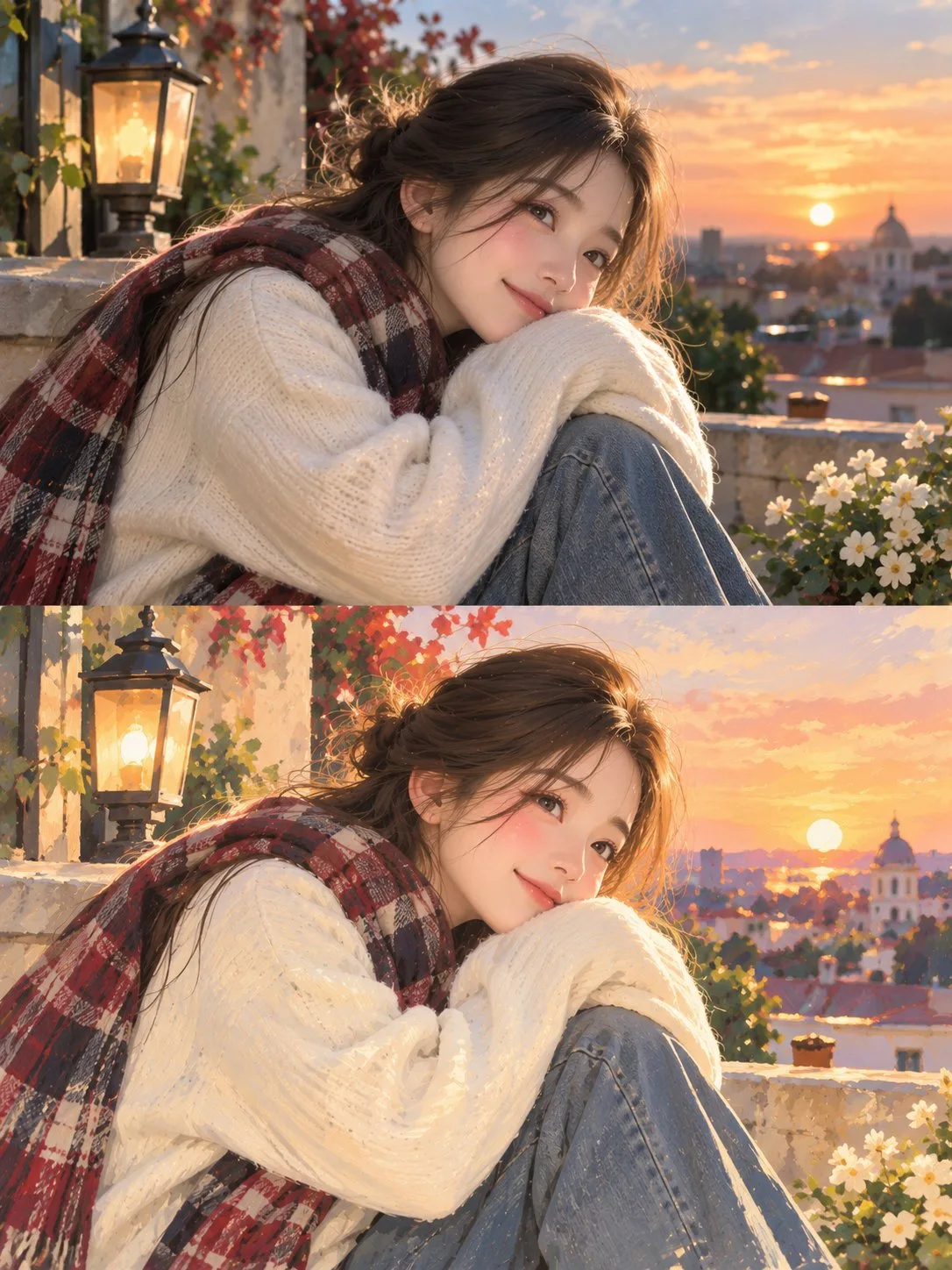
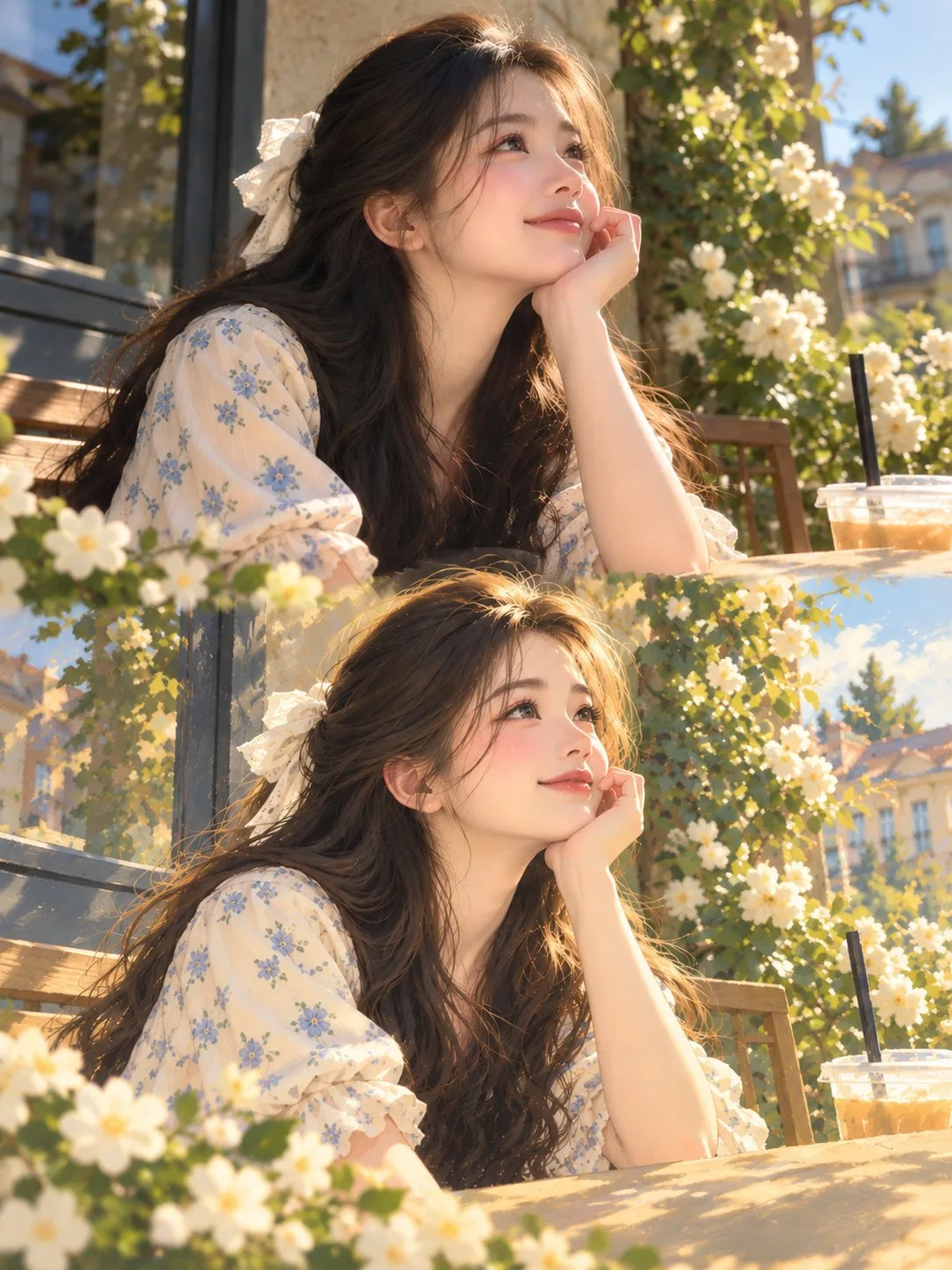
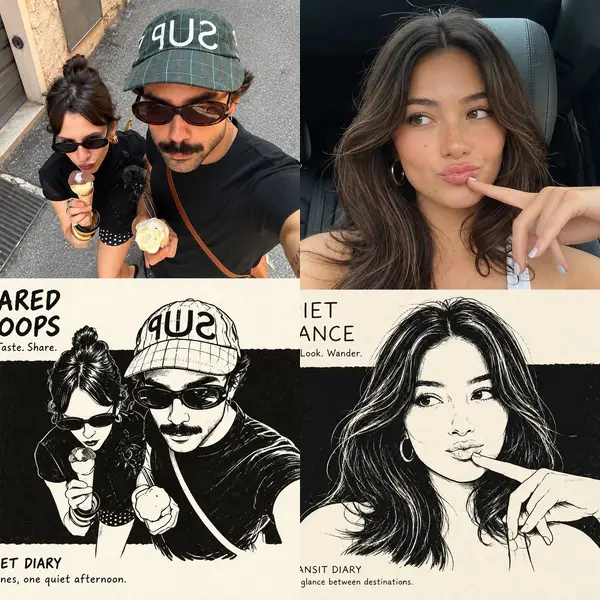
Design a sophisticated vertical editorial poster with a seamless two-section composition.

In the upper section, present a highly realistic photograph of [SUBJECT] in [SETTING]. Use warm, natural daylight, authentic facial expression, detailed skin texture, subtle highlights, realistic shadows, and cinematic depth of field for a polished photographic feel.

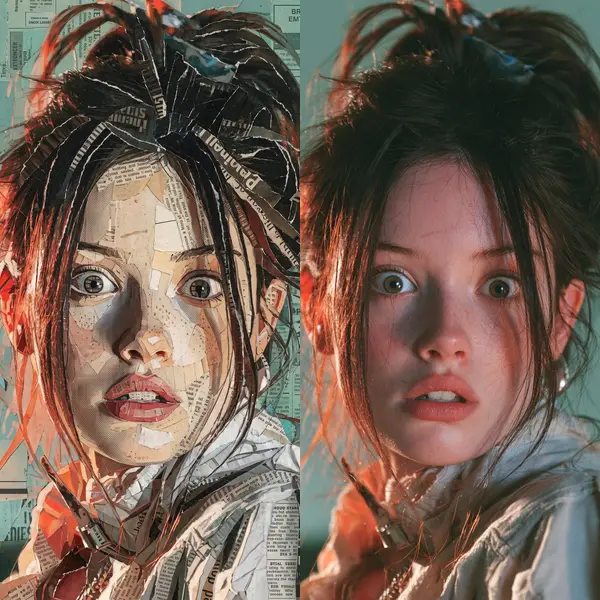
In the lower section, recreate the exact same moment as a refined hand-painted digital artwork. Keep the character instantly recognizable by matching the original pose, facial features, hairstyle, outfit, colors, lighting direction, and important background elements, while giving the scene a soft artistic interpretation.

Surround the illustrated section with a warm ivory paper layout featuring subtle paper grain and elegant editorial spacing. The artwork should have delicate painterly strokes, organic shapes, muted pastel tones, gentle contours, and a nostalgic contemporary magazine aesthetic. Add a few minimal decorative botanical or seasonal details that naturally enhance the composition.

Under the artwork, place a centered editorial heading: “[MAIN TITLE]” using thin, sophisticated uppercase lettering with generous spacing. Beneath it, add “[TAGLINE]” in a smaller elegant typeface with subtle letter spacing, followed by a short delicate pastel accent line.

Keep the entire design clean, balanced, refined, and visually cohesive. Use a vertical 3:4 format, high resolution, sophisticated print aesthetics, natural color grading, and a seamless transition from photography to illustration.

Avoid visual clutter, excessive typography, thick borders, harsh saturation, distorted anatomy, inconsistent facial details, awkward proportions, or unnecessary graphic decorations.
Prompt as published by the creator · https://x.com/Aqsahere_/status/2113482539570716831
How to use this prompt
- Click “Try this prompt”. ChatImg opens with Nano Banana 2.1 selected and the prompt filled in — nothing is sent until you press generate.
- Swap the subject, style or text for your own idea.
- Generate, then keep chatting to adjust details.
More Nano Banana 2.1 prompts
All Nano Banana 2.1 prompts →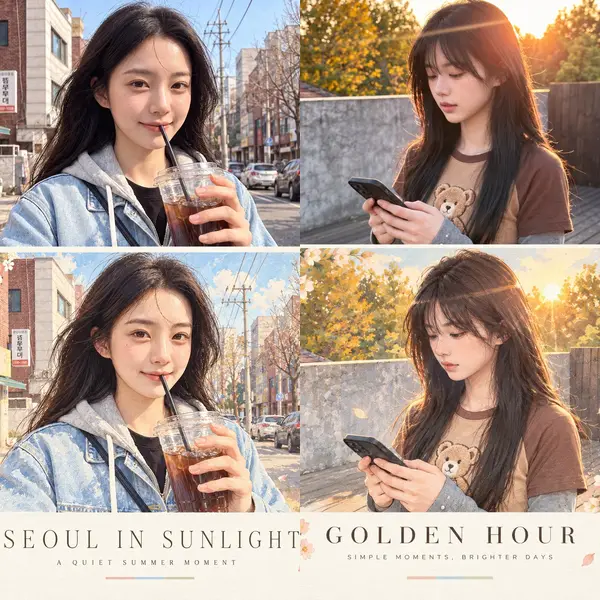
Works and prompts belong to their creators and are shown with credit and a link to the original post. Open an issue on GitHub to request removal. github.com/mofa-si/awesome-nano-banana-2-1-prompts