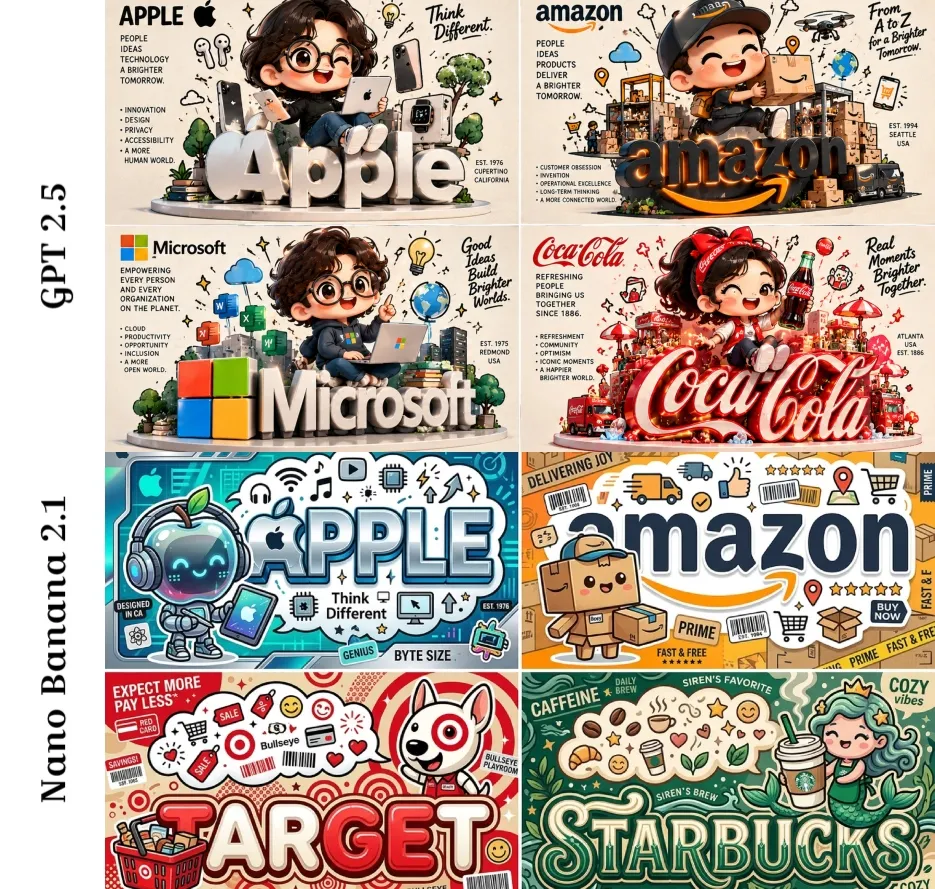
Nano Banana 2.1 · Same-prompt model comparisons
Chibi Fortune 500 Logos, Two Models
by Gadgetify (@Gdgtify) · · Original post ↗
Prompt
2x2 grid, 16:9, do this for 4 x fortune 500 companies: CONCEPT ANCHOR 1: "Cute chibi cultural character — oversized head, simplified features, toy-like proportions, expressive pose, collectible mascot energy"

::

CONCEPT ANCHOR 2: "Typographic object logo — letters physically become the subject’s shape or container"

::

CONCEPT ANCHOR 3: "Floating pictogram aura — abstract icons, smell lines, motion marks, mini symbols, cultural shorthand, simple hand-drawn marks"

INSTRUCTION:
Find the exact visual center of these styles.
Ignore the literal food, animal, drink, and location.
Make the style transform any subject.

Render $ SUBJECT as a cute cultural idol poster where a toy-like character presents the subject while the typography and surrounding icons become part of the visual storytelling.

STYLE RULES:
- Create one central chibi mascot or simplified character embodying $ SUBJECT’s attitude.
- Give it one iconic prop, object, tool, container, or symbolic item related to the subject.
- Turn the subject’s name into huge bold typography behind, below, or integrated into the character.
- Add black pictogram icons around the figure like a thought cloud, aroma cloud, idea burst, or cultural sticker sheet.
- Use simplified facial features, chunky shapes, rounded toy proportions, and clean silhouette.
- Add poster-style microtext: side notes, slogans, tiny labels, category words, and cultural phrases.
- Use a strong graphic hierarchy: big title, central mascot, prop, icon aura, slogan.
- The final look should feel like a sticker, merch graphic, food poster, album cover, or collectible toy box art.

OUTPUT:
A playful chibi-poster identity where $ SUBJECT becomes a cute mascot surrounded by symbolic icons and bold typographic branding.
Prompt as published by the creator · https://x.com/Gdgtify/status/2115861723639132498
How to use this prompt
- Click “Try this prompt”. ChatImg opens with Nano Banana 2.1 selected and the prompt filled in — nothing is sent until you press generate.
- Swap the subject, style or text for your own idea.
- Generate, then keep chatting to adjust details.
More Nano Banana 2.1 prompts
All Nano Banana 2.1 prompts →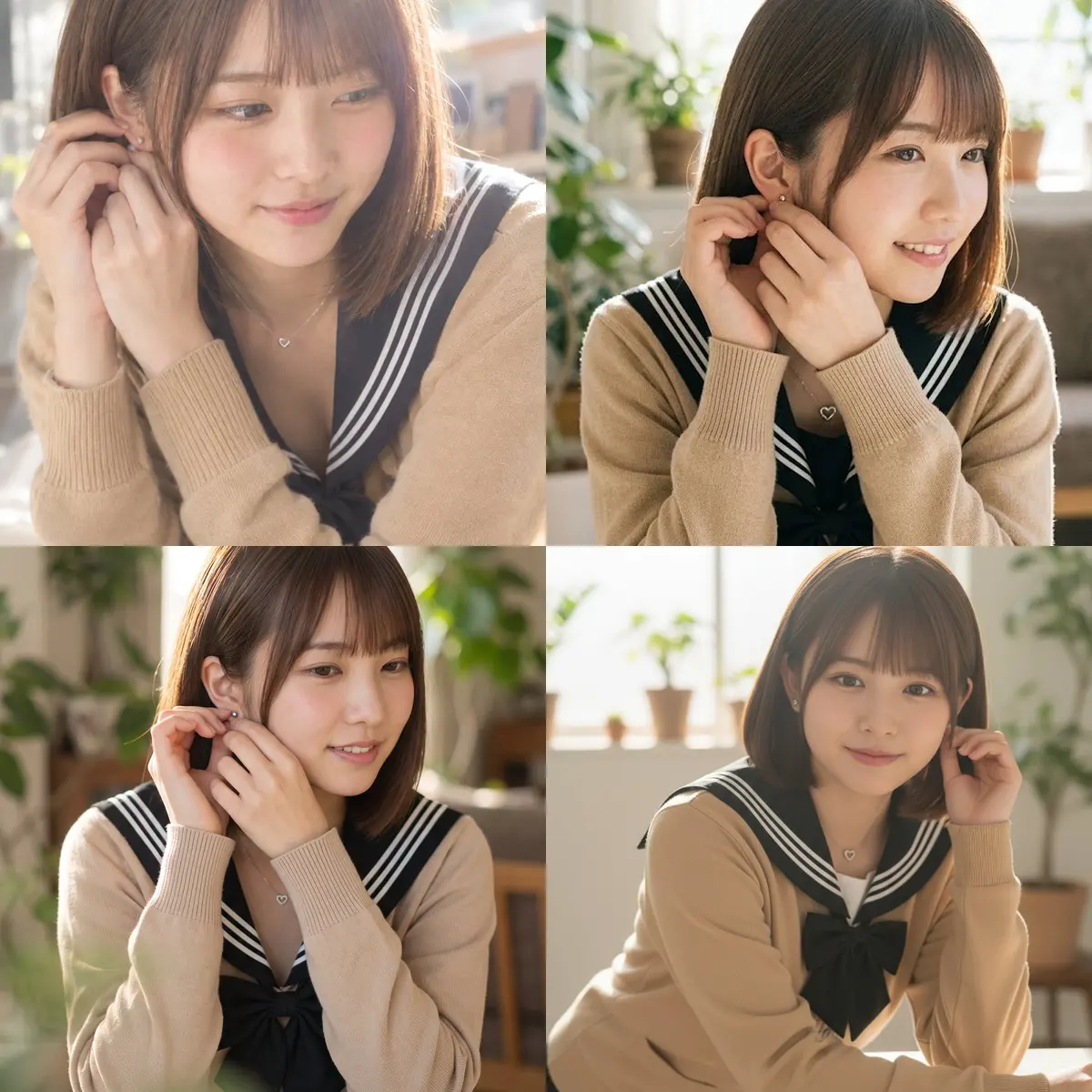
Same Face, Four Image Models by a Window
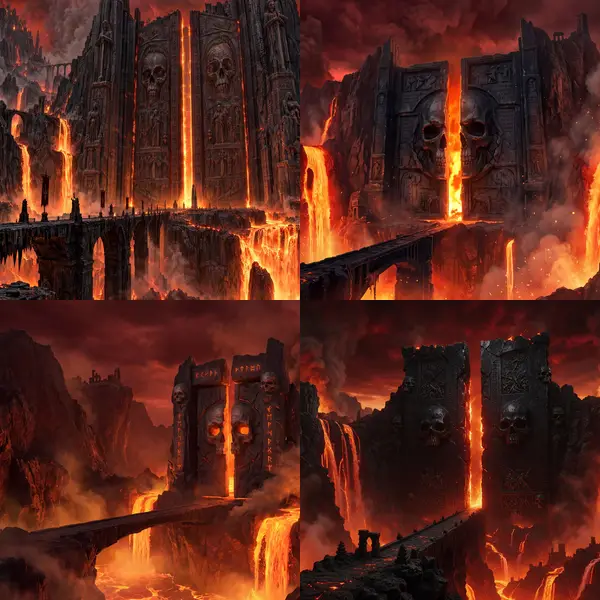
Gates of the Underworld: 4 Image Engines, One Prompt
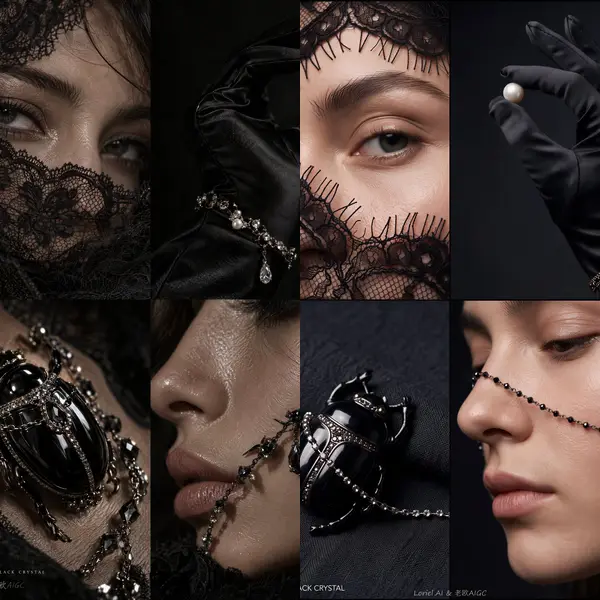
Dark-Luxury Jewelry Panels: GPT Image 2.5 vs Nano Banana 2.1
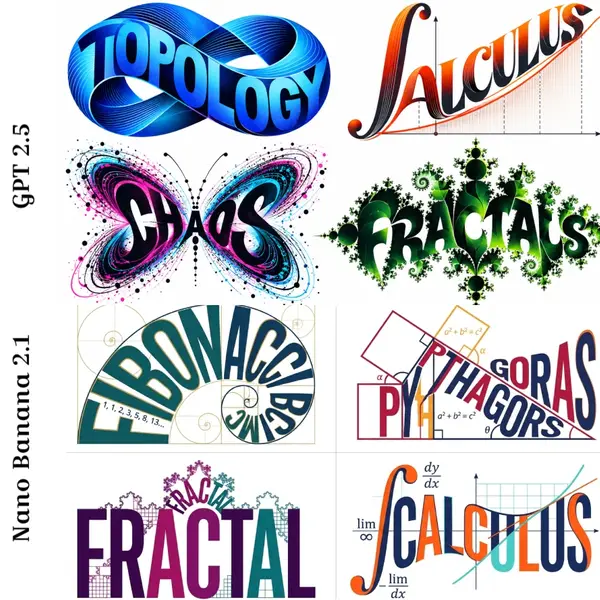
Math Typographic Logos: GPT Image 2.5 vs Nano Banana 2.1
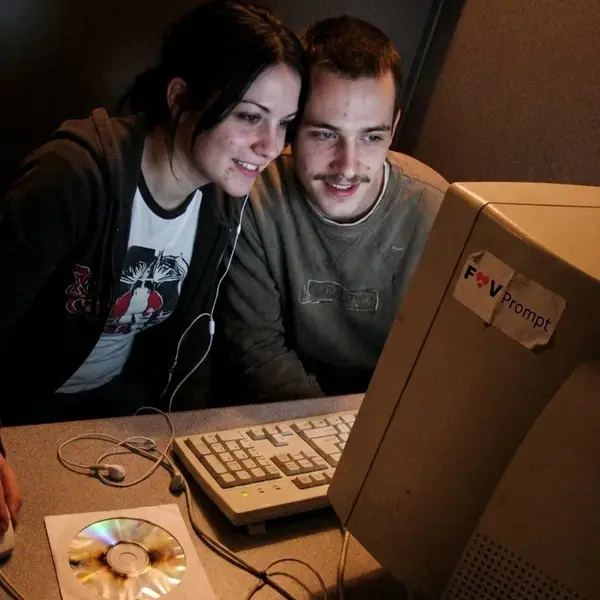
Early-2000s Internet Cafe Webcam Couple
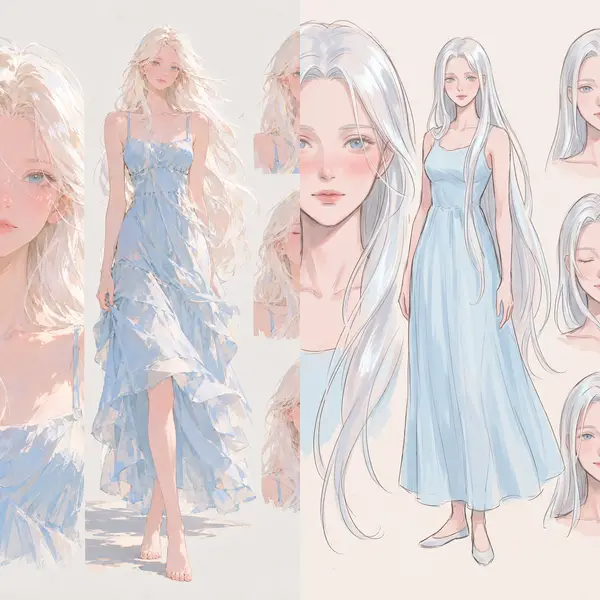
Painterly Anime Style Reference vs GPT 2.5
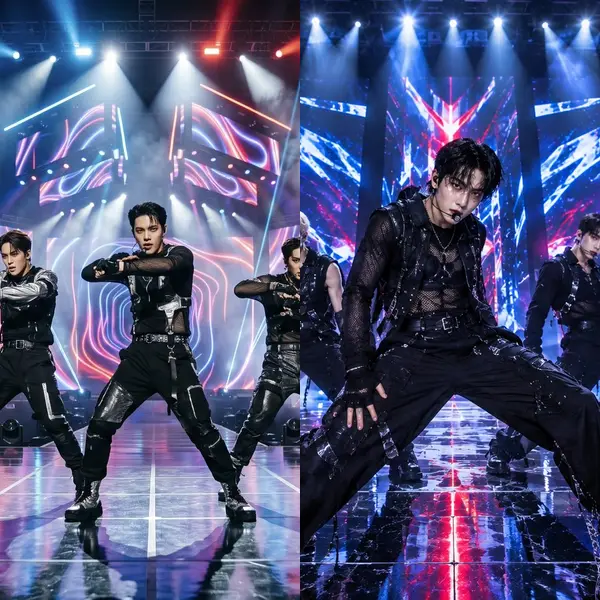
Idol Group Stage Shot vs ChatGPT
Screen-Print Lighthouse, Four Models
Works and prompts belong to their creators and are shown with credit and a link to the original post. Open an issue on GitHub to request removal. github.com/mofa-si/awesome-nano-banana-2-1-prompts