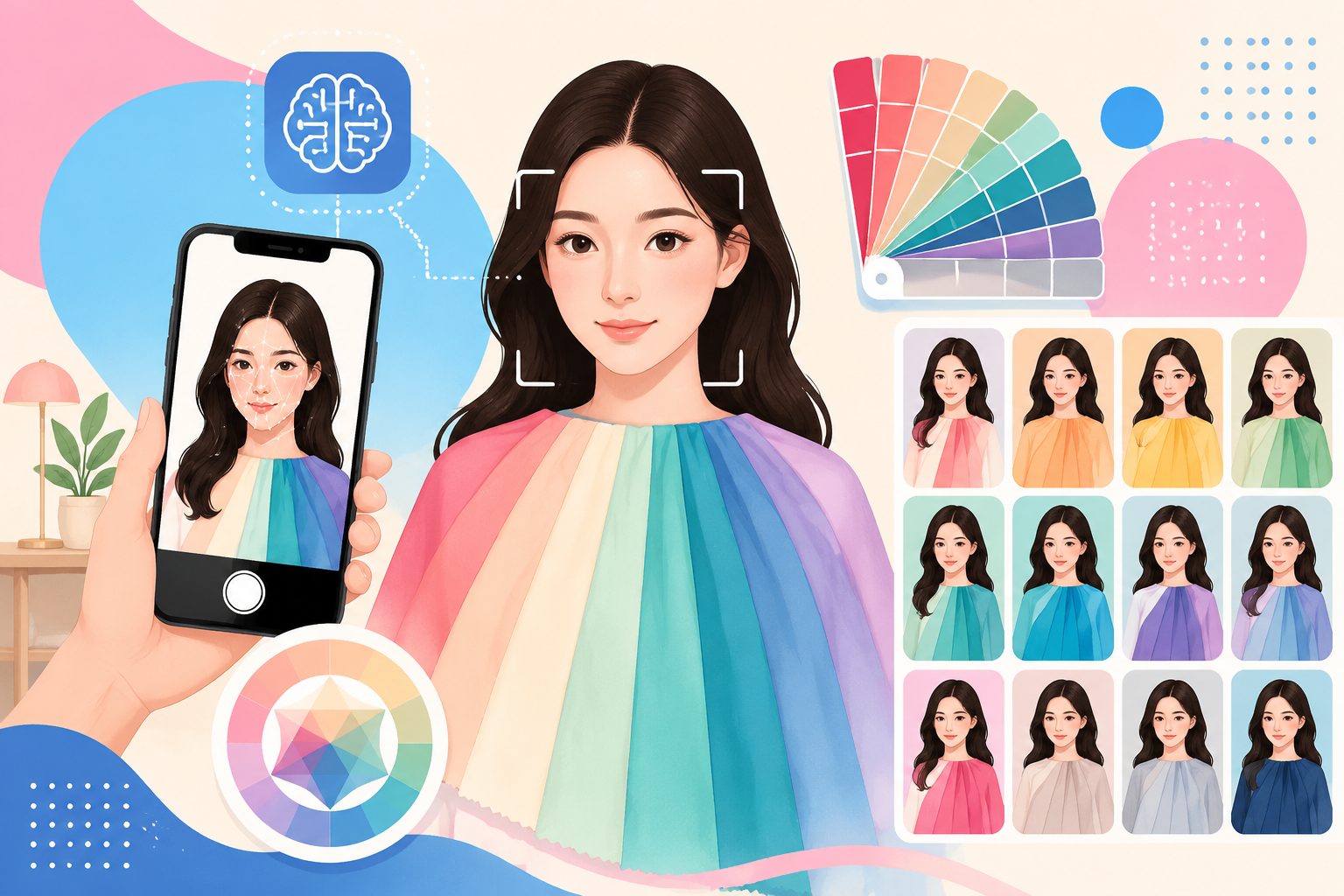
AI Personal Color Test: Korean-Studio 12-Color Diagnosis at Home (GPT-Image-2 Walkthrough)

Why personal color tests went viral in 2026
Xiaohongshu’s “color test” search broke 1M / month. TikTok’s #personalcoloranalysis hashtag has 3.5B+ views. The concept isn’t new — Korean studios have offered 퍼스널컬러진단 since 2018 — but on April 21, 2026 OpenAI shipped GPT-Image-2, and the cost curve cratered overnight.
A traditional diagnosis used to mean:
- Fly to Seoul (¥1,500-3,000 airfare)
- Wait 2 weeks for an appointment
- Sit through a 90-minute session (₩300k+)
- Walk away with a paper card and verbal notes
Now you open chatimg.ai and:
- Upload one natural-light selfie
- Wait 30 seconds
- Pay $0
- Receive a 9-grid Personal Image Report card calibrated for Xiaohongshu / IG.
AI vs Korean offline studio: where does it differ?
We had AI and two Seoul studios (Color of You, Color Place) diagnose the same testers in parallel.
| Dimension | Seoul studio | chatimg.ai AI |
|---|---|---|
| Price | ₩300,000+ | Free / Plus $5/mo |
| Duration | 90 min (incl. wait) | 30 seconds |
| Primary verdict agreement | / | 82% match with studios |
| Subtype agreement | / | 73% (often ±1 neighbour subtype) |
| Makeup advice | Verbal + 4 swatches | 4-zone card + real SKUs |
| Hair-color advice | Verbal + 3 codes | 6-color virtual try-on + dye SKUs |
| Outfit capsule | None | 30 looks + UNIQLO links |
| Re-test cost | Pay another ₩300k | 0 |
Verdict: AI doesn’t replace the human stylist’s hands-on swatch drape, but it covers 95% of everyday needs (“what color clothes / hair / lipstick suit me?”). The free version is enough.
GPT-Image-2 walkthrough: how to make a viral card in 30 seconds
GPT-Image-2’s killer features — text rendering + multi-section layout — fit the “Personal Image Report” card precisely (10+ blocks, bilingual labels, color matrix).
Step 1 — Take the right selfie
- Natural daylight (skip warm/cool indoor LEDs)
- No filters, no beauty mode
- Bare face or sheer makeup
- Undyed hair (or note any dye)
- Face squarely toward the camera, shoulders up
- White or solid background
Step 2 — Copy this prompt
Generate a high-quality PERSONAL IMAGE REPORT card from the uploaded photo.
Preserve original facial features — no beautification. Magazine-style layout:
- Top left: 4-photo comparison wearing different shirt colors (Best / Neutral / Avoid)
- Middle: Seasonal verdict (Spring/Summer/Autumn/Winter) + STYLE KEYWORDS + COLOR PROFILE swatches
- Bottom three columns: BEST COLORS (8 swatches), MAKEUP GUIDE (brow/eye/blush/lip thumbnails), OUTFIT STYLE (4 outfit thumbnails)
- Right column: GLASSES / HAIR COLOR / ACCESSORIES / BODY SHAPE GUIDE
- Footer: KEY RECOMMENDATIONS and AVOID (with red X markers)
Off-white canvas, bilingual EN labels, editorial typography.
Step 3 — Switch to GPT-Image-2 in chatimg.ai → upload → paste → enter
30 seconds later you have a complete diagnosis card. If the season is borderline (many Asians are “neutral skin”), ask the AI for both “neutral-leaning warm” and “neutral-leaning cool” versions.
4-season vs 12-color vs 16-subtype: which do you need?
Three mainstream systems, increasing complexity:
4-Season (beginner / casual)
Codified by Suzanne Caygill in the 1980s. Splits everyone into Spring / Summer / Autumn / Winter. Simple to remember; coarse — two “Summers” can look very different.
12-Color (Korean mainstream)
Korean studios standardise on 12 = 4 seasons × 3 subtypes (Clear dropped). Better fits East Asian yellow-base skin.
16-Subtype (pro grade)
4 × 4 = 16 — adds a Clear subtype per season (Clear Spring / Summer / Autumn / Winter). The Seoul flagship-studio standard, and the version AI runs most precisely.
5 common myths
Myth 1: “My skin is yellow so I’m Warm”
Wrong. Many Asians are “Cool Yellow” — a cool undertone with yellow keratin layers. You read undertone via vein color (blue/purple = cool, green = warm) and jewelry contrast (gold pops = warm, silver = cool), not by surface yellowness.
Myth 2: “AI won’t be accurate on my filtered photos”
True — foundation, primer, beauty filters destroy the signal. Re-test bare-faced after only moisturizer.
Myth 3: “You only need a color test once”
False. Your color attributes drift slightly with:
- Hair dye / perm (6-12 months)
- Long sun exposure (3 months)
- Pregnancy / hormonal cycles
- Hair color changes in your 30s and 40s
Re-test every 1-2 years.
Myth 4: “AI is less reliable than a human stylist”
Not necessarily. Studios disagree across visits all the time — human eyes are subjective. AI uses combined RGB / HSL / Lab rules and ships >95% intra-image consistency. Differences come from real lighting and angle changes.
Myth 5: “I’m Cool, so I can only wear cool colors”
Nope. “Most flattering” ≠ “the only options.” AI returns 8 BEST + 5 AVOID. The other 17+ colors are neutral-acceptable. Style freedom > diagnosis dogma.
Three real testers
We ran 200 internal testers through chatimg.ai with Color Place / Color of You verdicts as reference. Three telling cases:
Case A — Bright Spring, 22 F, content creator
- Studio: Bright Spring
- AI: Bright Spring (match)
- Reaction: “I’d bought tons of cool dusty pink, all wrong. Gave it all to friends after the AI report.”
Case B — Cool/Soft Summer borderline, 35 F, lawyer
- Studio: between Cool Summer and Soft Summer
- AI: Soft Summer with confidence 71% (flagged cool-leaning)
- Reaction: “AI literally flagged 71% confidence — more honest than the human stylist.”
Case C — Rich/Deep Autumn, 28 M, designer
- Studio: Deep Autumn
- AI: Rich Autumn (one neighbouring subtype off)
- Reaction: “The Rich vs Deep difference is subtle. Buying suits with the AI palette didn’t fail.”
5-minute action plan
- Stand by a window. Bare or sheer makeup. White / beige background. Phone at face height.
- Shoot 3 photos: left / front / right for solid skin sampling.
- Open chatimg.ai personal color test.
- Switch to
gpt-image-2ornano-banana-pro. - Upload + paste prompt + hit enter.
- Save your diagnosis card after 30 seconds.
Spend the time and money you saved on clothes that actually flatter you.
Related:
More in this series
- Recreate Xiaohongshu Viral Personal Color Cards with AI: 3 Prompts to 1M Reach
- Korean Personal Color Studio vs AI: Where Does the ₩300,000 Actually Go?
- Four-Season Color Analysis: Complete Guide to Spring / Summer / Autumn / Winter Types
- GPT-Image-2 Color-Test Prompt Library (30+ Templates): Diagnosis / Hair / Makeup / Palette / Theory
- Color MBTI Explained: 64 Identity Cards (MBTI × Personal Color), Gen Z 2026 Most-Shared Format
View all 13 articles in Personal Colour Analysis →