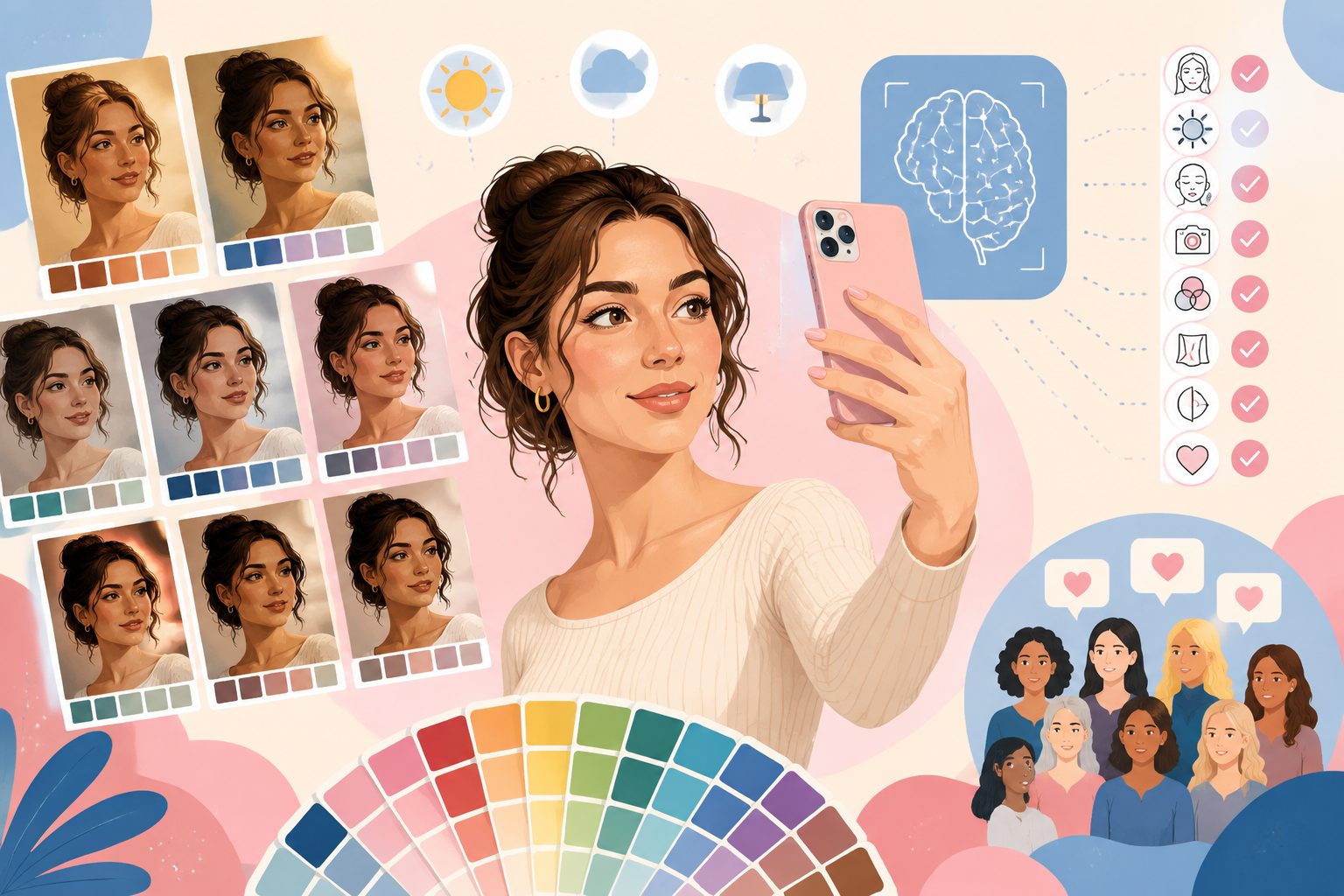
How to Take a Color Analysis Selfie (Right) — r/coloranalysis 258K Community Consensus + AI Validation

Why is photo quality the #1 accuracy variable?
Across the top 3 iOS color analysis apps (Dressika / WhatColors / AI Palette), the #1 negative review is universally:
“Same selfie, different season each run.”
On Reddit r/coloranalysis (258K subscribers), the same complaint surfaces monthly:
“The color correction from my iPhone camera makes it harder to compare accurately.”
“Apps give different results because lighting kills white balance.”
The tool isn’t the killer — bad photos are. This article merges r/coloranalysis’s mod-pinned wiki with chatimg.ai’s own validation into 8 rules.
8 community-validated rules (read in 30 seconds before you shoot)
1. Natural light, east-facing window is best
- Diffuse light between 10am-2pm
- Avoid: direct sunlight (harsh facial shadows) / warm-white LED (yellow cast) / cool-white fluorescent (blue cast)
- No window? Use the front camera flash — its color temperature is ~5500K (close to daylight)
2. Bare or sheer makeup
| Element | Effect |
|---|---|
| Foundation | Severely contaminates skin signal |
| Highlight / Blush | Confuses AI about value |
| Beauty filter | Total write-off |
| Saturated lipstick | AI mistakes lip color for skin |
| Eyeshadow | Disturbs eye-area hue detection |
| Brow tint | Throws off brow color match |
Best: bare face / moisturizer only / at most a sheer balm
3. Remove glasses and large jewelry
- Glasses frame reflection becomes “skin tone” to the AI
- Gold / silver necklaces shift neck hue
- Colored contacts? Take them out (iris color gets misread)
4. Mark dyed hair
- Dyed hair → write “natural hair color #XXXX” in the prompt so AI discounts the dye
- Permed hair → no impact on color verdict, keep it
- Up-do / no hairline visible → fine
5. Face squarely to camera
- Tilt head 5° up so light hits face evenly
- Don’t: look down (neck shadow covers lower face) / look up (nostrils to camera)
- Smile or neutral; mouth open or closed both fine
6. Plain background
- White / beige / light grey are best
- Avoid: floral fabric / high-contrast patterns / colored curtains (diffuse reflection contaminates face)
7. Shoot 3 photos in same light, different angles
- Left 30° / front / right 30°
- Same lighting, within seconds
- AI takes majority vote (chatimg.ai Plus feature)
8. No editing — raw upload
- Even “slight brightening” destroys color signal
- iPhone HEIC / Android JPEG raw is most reliable
- Don’t WeChat-share-then-download (compression alters color)
Validation: good vs bad photos
We ran chatimg.ai on the same person across 6 photo conditions:
| Condition | Verdict | Confidence |
|---|---|---|
| East-window diffuse + bare face + white bg | Cool Summer | 89% |
| + warm-white LED indoor | Neutral-leaning Warm Summer | 71% |
| + foundation + highlight | Warm Spring (wrong) | 65% |
| + beauty filter | Bright Spring (wrong) | 58% |
| + dyed hair, not annotated | Deep Autumn (wrong) | 62% |
| + post-edit brightening | Light Spring (wrong) | 55% |
Conclusion: photo quality determines 90% of accuracy. The other 10% is the AI algorithm.
Tool doesn’t enforce, but warns
chatimg.ai/coloranalysis does not hard-block bad photos — we’re a tool, we trust users. But we’ll show ⚠️ flags:
- Makeup detected → “Bare-faced re-shoot will be more accurate”
- Lighting too warm / too cool → “Re-shoot in natural light recommended”
- Direct light shadows → “Move to diffuse light”
- Face not visible → “Re-shoot please”
User decides whether to re-shoot, not enforced.
Pro feature: 3-photo consensus
Plus subscribers can upload 3 selfies under same lighting at different angles. chatimg.ai auto-aggregates:
- 3 matching → 95%+ confidence, trust the verdict
- 2:1 → take majority + flag “neutral-leaning X”
- 3 different → model proactively suggests changing light / removing makeup / different angle
None of the 3 competitor apps does this — it directly attacks the #1 complaint.
Try it now
👉 ColorAnalysis mobile flagship
Related reading:
More in this series
- Gold or Silver? Reddit's #1 Monthly Question (and why binary picking is wrong) — 6-Metal Gradient Self-Test
- What Lipstick Shade Suits My Skin Tone? 4 Seasons × 5 Occasions = 25 Real SKUs | ChatIMG
- What Hairstyle Suits My Face? AI Previews 30 Seconds Before You Commit
- AI Personal Color Test: Korean-Studio 12-Color Diagnosis at Home (GPT-Image-2 Walkthrough)
- Recreate Xiaohongshu Viral Personal Color Cards with AI: 3 Prompts to 1M Reach
View all 13 articles in Personal Colour Analysis →