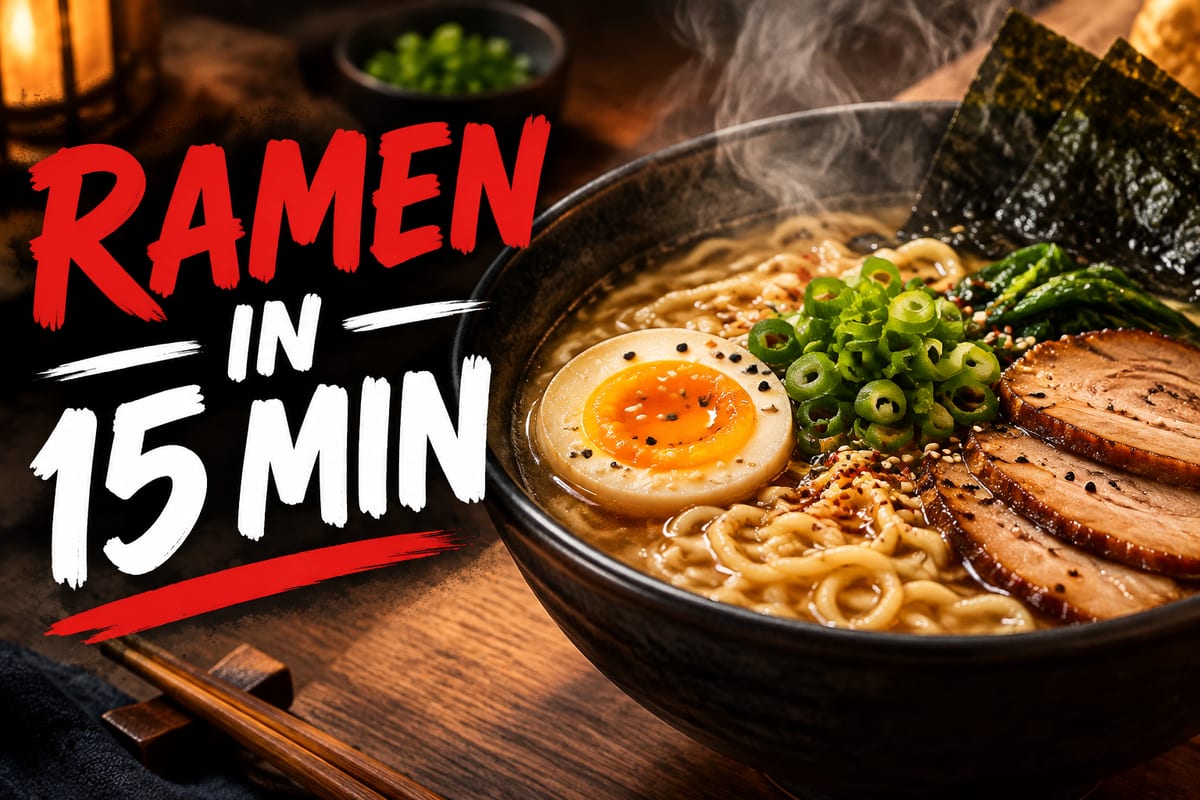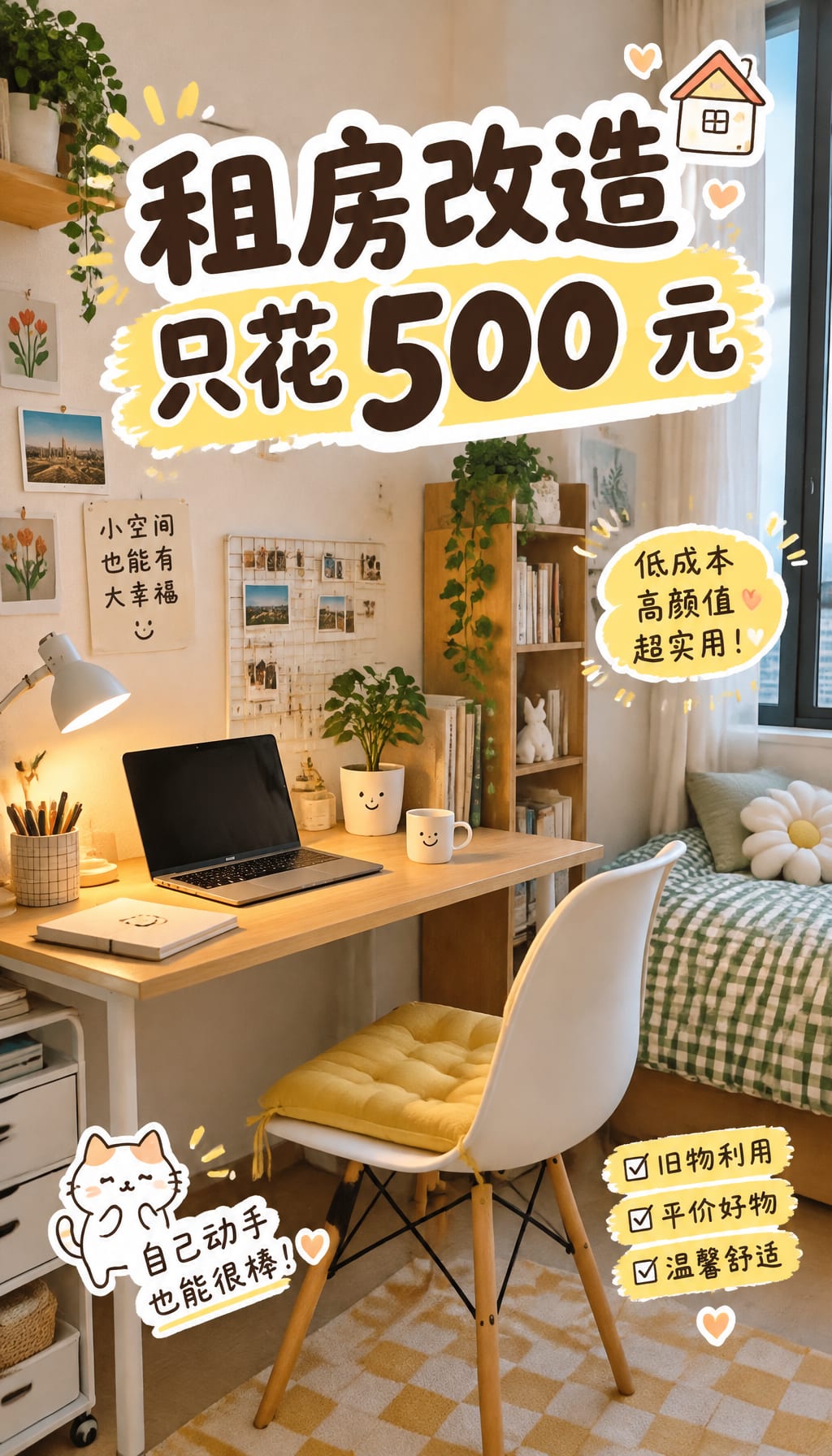
不只是產出一張圖。提示詞遵循何同學公開封標實驗的設計規則:版面簡單、文字補充資訊、露臉並非總是加分。YouTube 封面盲測會先藏起播放次數。
範本
點卡片填入提示,先不生成
海报
活动 / 演出竖版海报
产品图
电商棚拍产品图
职业头像
简历 / LinkedIn 头像
Logo
品牌标志
插画
故事 / 编辑插画
包装
包装盒 / 袋设计
书封
书籍封面
室内设计
空间氛围图
下面都是 GPT Image 2.5 實際生成的圖。點「做同款」,提示詞會填進上方工作台。
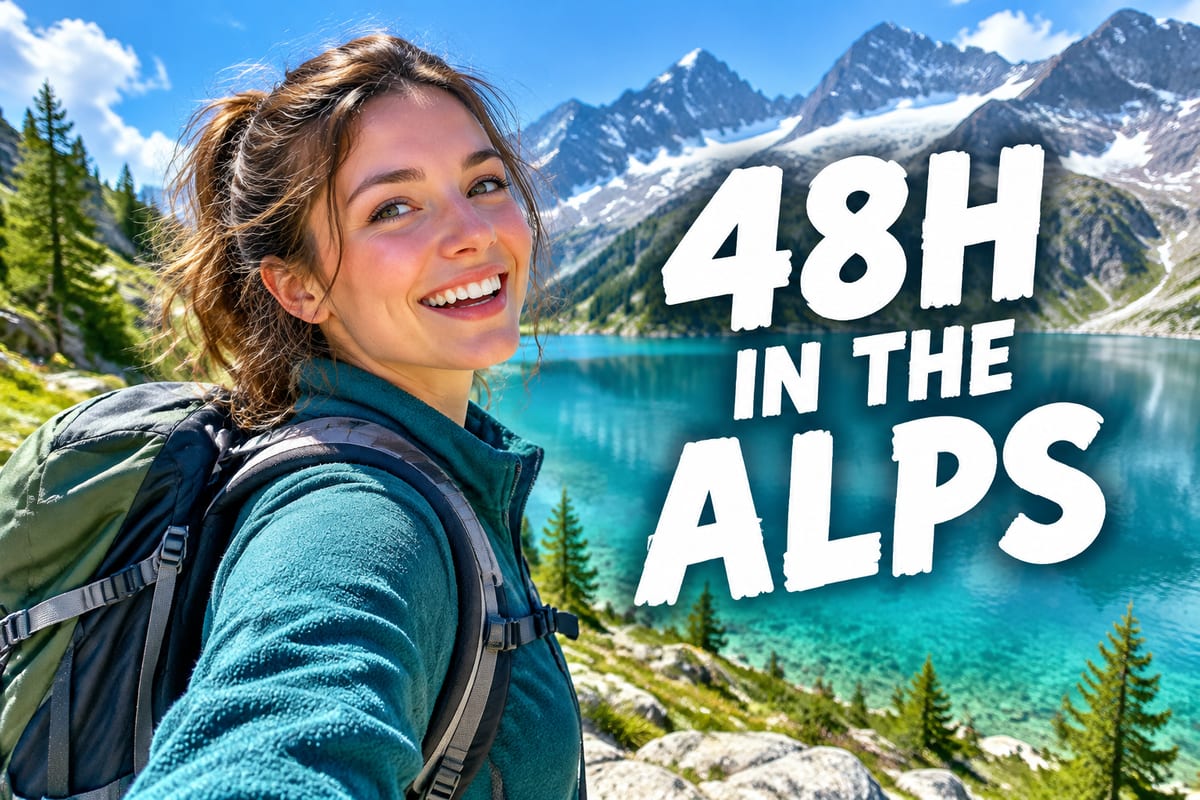
點一下情境卡片,提示詞會填進下方的產生區
A YouTube tutorial video thumbnail, 1280x720, left side a close-up shocked Asian male face taking 40% of the frame, right side huge bold red text "I Built This in 5 Minutes", ChatGPT logo and code background, high-contrast colors
A TikTok vertical video thumbnail, 9:16 aspect ratio, full-frame close-up of an exaggerated female expression, top large text "DONT DO THIS", bottom small text "watch to the end", cool-tone background, minimal negative space
A Bilibili video thumbnail, 16:9, left side anime-style character expression close-up as the main visual, right side handwritten bold text "This time went too far", bottom tags "Tech Curiosity" + "Million Experiment", high-saturation palette
A minimalist blog article hero image, 1200x630, centered bold serif text "The AI Cover Revolution", gradient + geometric symbols background, generous whitespace, highly designed
提示詞遵循簡潔版面、有資訊量的文字,以及謹慎露臉
兩張真實封面先藏起播放次數,猜完再看哪張點擊更多
封面可以再做成短動態,適合 YouTube、Shorts 與 Bilibili
整理自何同學公開的封標實驗,不引用播放次數
資訊過載很難掃讀。簡單的封面和簡單的標題更容易看清
觀眾認得的臉可以是招牌;新人露臉也可能分散注意,除非表情本身很抓人
重複標題沒有增益。文字要補充事實,或拉開資訊差,才有幫助
封面和標題是放大器。內容站不住,封面再醒目也幫不上
兩張真實 YouTube 封面,播放次數先藏起來。請你猜哪張獲得更多點擊。