
Preview in hand
Hold the futureiPhone 17
Upload your photo and watch AI create your exclusive portrait holding the latest iPhone 17
Upload photo & pose with iPhone 17
AI composes you holding an iPhone 17 and adds tee text
Templates
Tap a card to fill the prompt — it will not generate yet
💡 Pro tip
默认添加 "chatimg.ai" 文字,您可以在右侧风格选择器中切换到"自定义"模式来修改 T 恤上的文字内容
Start crafting your custom look
效果示例
第一张是原图,后面是同一张原图生成的效果。点「做同款」,提示词和参考图会填进上方工作台,换成你自己的照片就行。
 原图
原图

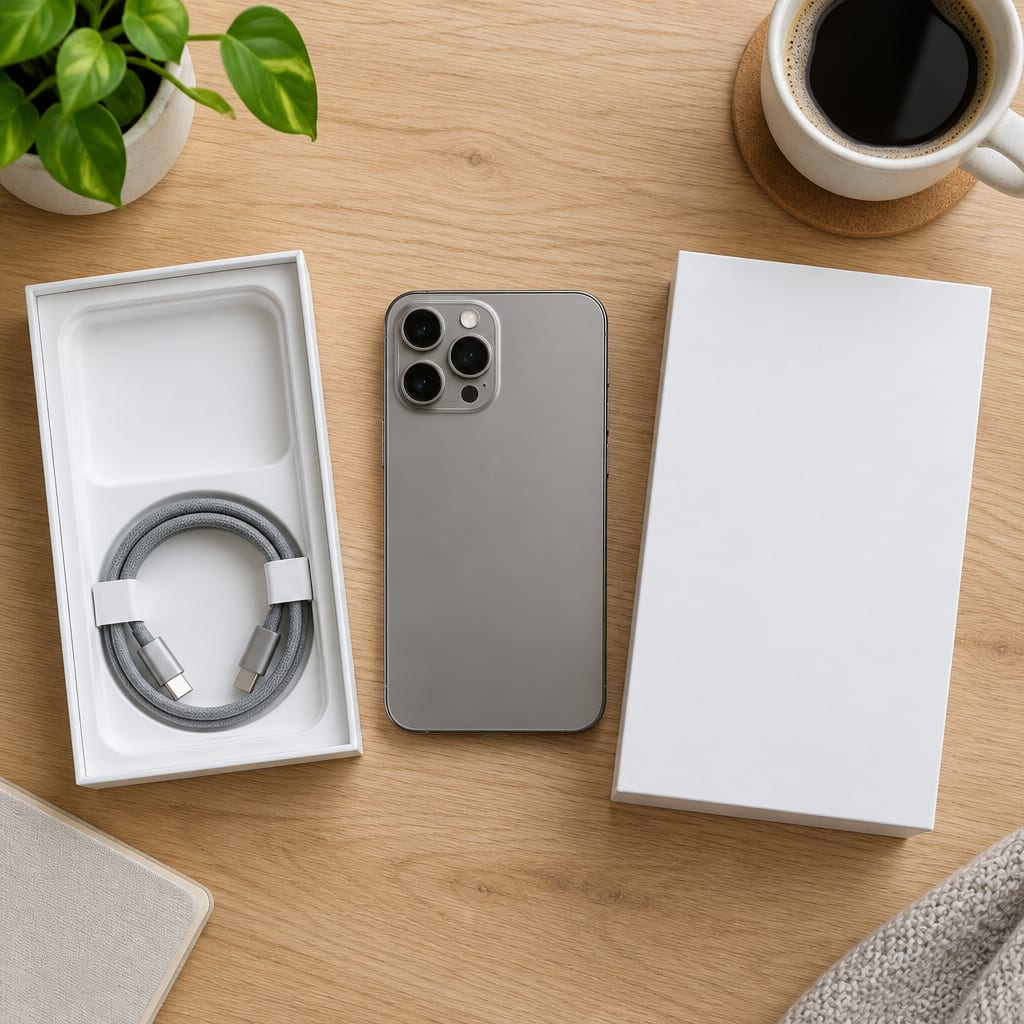
Upload Photo
Just upload a photo and let AI blend it naturally
iPhone 17 Pro
See the new iPhone 17 right in your hand
chatimg.ai
T 恤上自动添加 "chatimg.ai" 文字(可自定义修改)
Done in three steps
Get your own iPhone 17 portrait in a few steps
1
Upload Photo
Pick a clear photo of yourself
2
AI processing
AI auto-adds the iPhone 17 and text
3
Download & share
Grab your custom portrait and share it
chatimg.ai - ideas to images
Generate and edit images with AI. Supports batch runs and custom text.
High-quality renderSmart detectionBatch processingInstant share